Troubleshooting
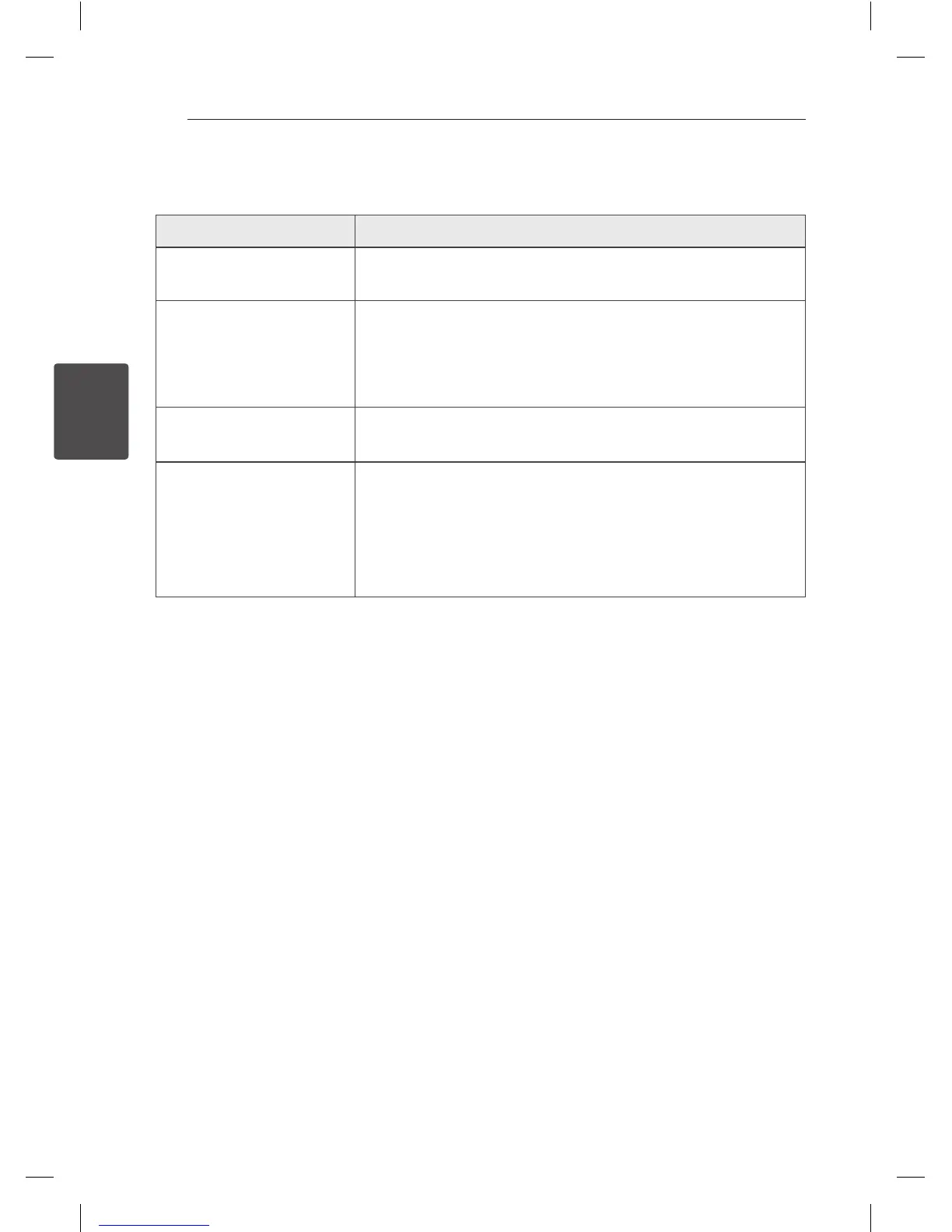
Problem Correction
No Power.
y
Plug in the power cord.
y
Check the condition by operating other electronic devices.
No sound.
y
Press
1/
F and then check the selected function.
y
Check whether operating system of your device is ver 4.1(or later).
y
Check whether your device is supported by AOA 2.0.
y
Adjust volume of your portable device.
Android device does not work.
Connect your Android device to the unit correctly.
Bluetooth pairing does not
work well.
y
Switch Bluetooth o and on again on your Bluetooth device, then try
pairing again.
y
Be sure your Bluetooth device is on.
y
Remove the obstacle in the path of the Bluetooth device and the unit.
y
Depending on the type of the Bluetooth device or surrounding
environment, your device may not be paired with the unit.
ND1531-BE_ADEULLK_ENG.indd 16 2013-08-23 5:58:14


 To Next Page
 Loading...