Operating 17
Operating
2
y
If you use other characters than the English
alphabet or digits for the SSID name of your
access point or wireless router, it may be
displayed dierently.
y
WEP security mode generally have 4 keys
available on an access point setting. If your
access point or wireless router use WEP
security, enter the security code of the key
“No.1” to connect on your home network.
y
An Access Point is a device that allows you
to connect to your home network wirelessly.
,
Note
Streaming audio from your
iTunes music library to this
unit
Make sure that your iTunes host device is
connected to the same Wi-Fi network as this
unit. Your iTunes device can be an iPod touch/
iPhone/iPad installed with iOS 4.3.3 (or later) or
a Wi-Fi enabled PC/Mac installed with iTunes
10.2.2 (or later).
,
Note
Stream from your iPod touch/
iPhone/iPad
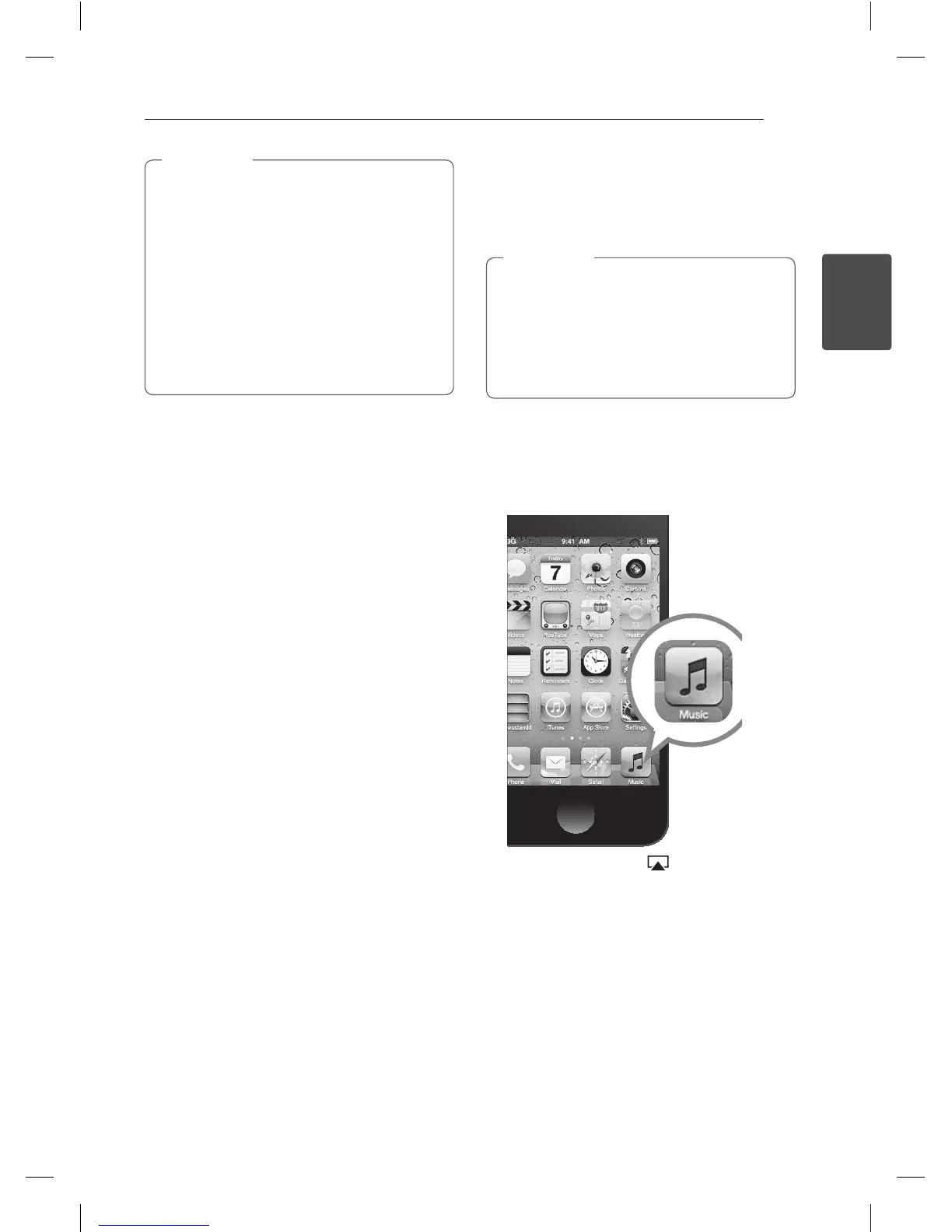
1. Launch the “Music” application on your iPod
touch/iPhone/iPad.
2. Tap on the AirPlay icon .
NP6630-A0.BGBRLLK_MFL67789408.indd 17 2013-05-27 12:25:53



 To Next Page
 Loading...