1-8
Step 9. FW Flash Writing
* During update, do not turn off the set.
Step 10. Update is completed
CAUTION:
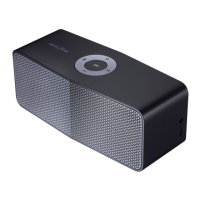
Transfer fi rmware from Phone to Set during upgrade, you can see rotating of white LED of the set.
When upgrade is fi nished, all LED are blinks and off, and then Music Flow set is power off.



 To Next Page
 Loading...