10
ENGLISH
HOW TO USE THE ONE:QUICK
SHARE DONGLE
How to Pair LG Signage with the Dongle
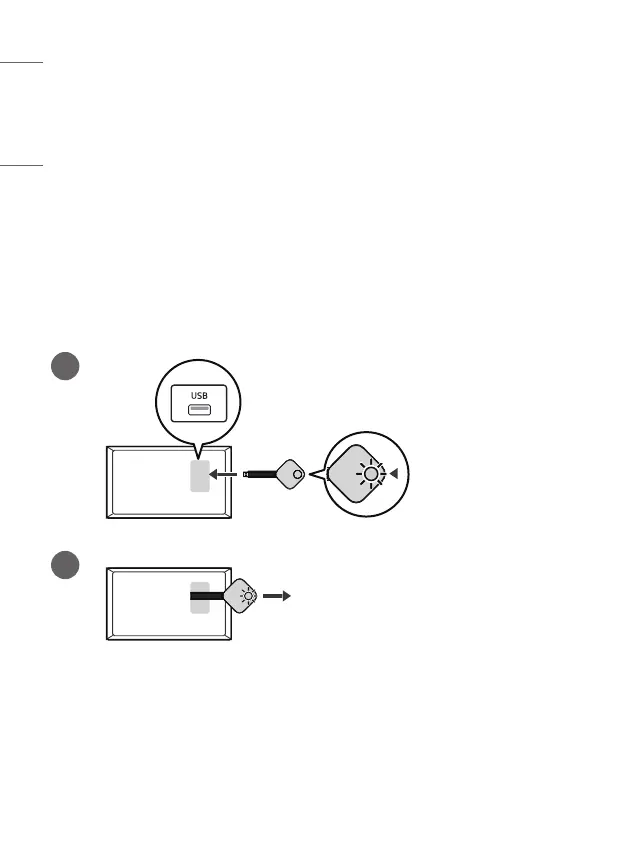
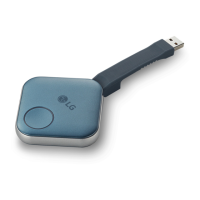
• Connect the One:Quick Share Dongle to the USB port on LG Signage.
• If the message [Successfully Paired] is displayed in the upper right corner
of the LG Signage screen and the Dongle’s LED light turns green within
approximately 20 seconds of connection, this indicates that the Dongle is
successfully set for your LG Signage.
1
2
* If the Dongle’s LED light turns red within approximately twenty seconds of
connection, connect the Dongle to the LG Signage USB port once again. If the
red light still shows, contact the store where you purchased the Dongle.


 To Next Page