23
Changing TV program
Use PR/CH on the remote control to change the programs in memory or use
numbered (0-9) buttons to select a program directly.
Changing TV program with program list
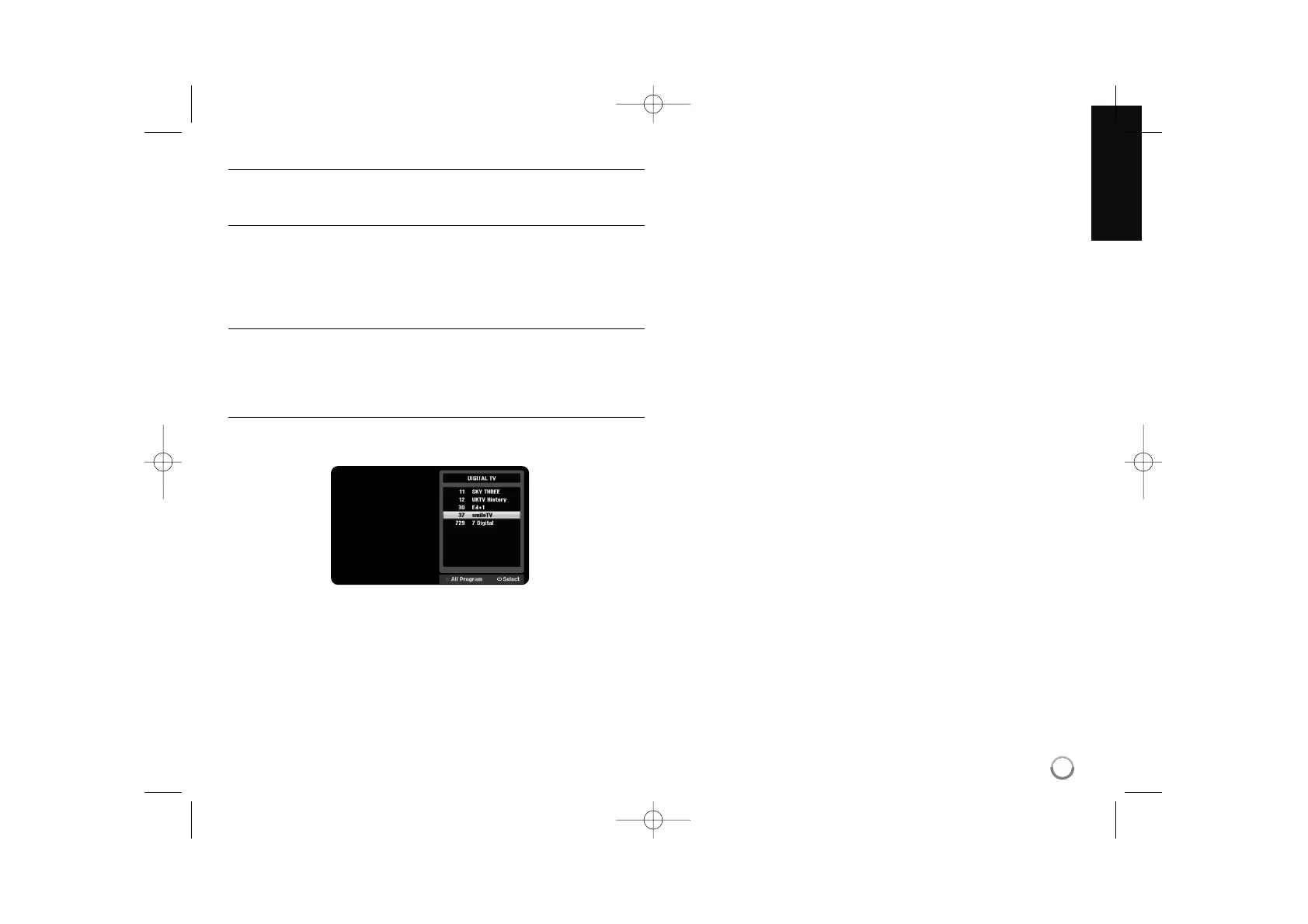
You can display TV program list using the ENTER button and switch into other
TV program on the channel list.
While watching a program, press ENTER to display the TV program list.
Select your desired channel using the v / V and press ENTER to change the
TV program.
Switching the program list
You can switch the program list to DIGITAL TV, ANALOG TV or RADIO.
Press v to move the highlight position to top of the program list.
Press bBto select a [DIGITAL TV], [ANALOG TV], or [RADIO]. Selected pro-
gram list appears.
Displaying the favorite program list
You can display favorite channel list that organized by your private taste.
To set a favorite program, use [Program Edit] option in the Setup menu. (page
17.)
Press Red colored button while watching a TV. The favorite options appears.
Press vVto select a desired program then press ENTER to watch the selected
program.


 To Next Page