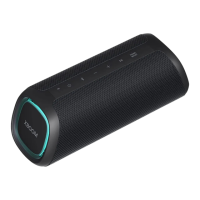
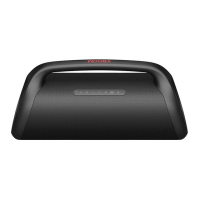
d Connect the speaker to a
smartphone via Bluetooth
A Press the Power button on the
speaker to turn it on. Bluetooth LED
blinks.
B Press the Settings
button on the
smartphone and select Bluetooth .
Turn on the Bluetooth function. (Off
> On )
C Find “LG-XG7Q (XX)” on the device
list on the smartphone and connect to
it. Once the smartphone is connected
via Bluetooth, the Bluetooth LED will
turn on.
D On the smartphone, play a music of
your choice.
e Connecting the LG XBOOM App
A Find LG XBOOM app on the Google
Play or App Store and install it on your
smartphone.
B Run the LG XBOOM app and use more
features. (EQ, Wireless Party Link,
Lighting, Sleep Timer, Setting etc.)
• Designandspecicationsaresubjectto
change without notice.
• For more information, download the online
owner’s manual.
http://www.lg.com


 To Next Page
 Loading...