26
Resetting the Speaker
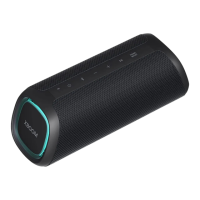
You can reset the speaker when it operates improperly.
a Press and hold the Power
and SOUND BOOST
buttons on the speaker for 7 seconds simultaneously.
Then the speaker will turn off automatically.
b Turn on by pressing the Power button.
Resetting Bluetooth
Resetting Bluetooth initializes all the Bluetooth and speaker connections as well as the user settings.
a Press and hold the Bluetooth
button on the speaker for 7 seconds. Power LED and Bluetooth LED will
blink four times.
b Connect the smart device to the speaker via Bluetooth. ([ See “Connecting Smartphone to the Speaker
via Bluetooth” on page 10.)


 To Next Page
 Loading...