20
Connecting to your TV via Dual mode
a Follow the aforementioned instructions to connect two speakers via Dual mode. ([ See “Dual mode” on
page 19.)
b Press and hold the Bluetooth
button on the main speaker for 2 seconds. Then Bluetooth LED will blink
for 60 seconds.
c IntheTVsettings,ndandselectthemainspeakerwithin60seconds.YoucanlistentotheTVsound
through two speakers.
Note
• When using in dual mode with a TV, you cannot control the speakers with the LG XBOOM app.
Multi mode
Wireless Party Link Multi mode lets you enjoy more powerful sound with multiple speakers.
Please check the following rst.
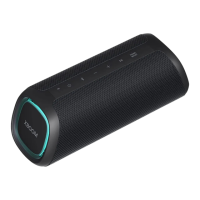
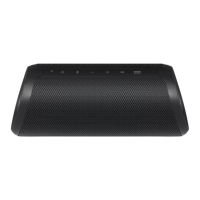
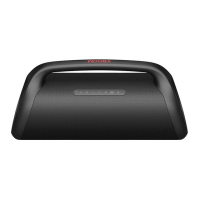
• You can connect multiple LG Bluetooth speakers. (XG9Q/XG7Q/XG5Q and XO3Q)
a Connectthespeakerandasmartphonerst.([ See “Connecting Smartphone to the Speaker via Bluetooth”
on page 11.)
b Tap the Wireless Party Link in the LG XBOOM app.
c Tap the Multi mode and toggle the function on.
d Search for nearby speakers and select the speakers you want to connect to.
e You can see the Multi mode LED on the speakers.
• Main speaker: Bluetooth LED turns on and the speaker outputs sound.
• Other speakers: Bluetooth LED turns off and speakers output sound in sync with the main speaker.
(Main speaker)
(Other speaker)


 To Next Page
 Loading...