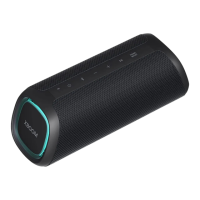
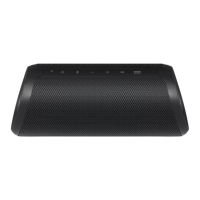
7
Back
a b c d
DC IN
e
g
f
5 V 0 2 A SERVICE
ONLY
AUX
a
DC IN
Connect an AC adapter to charge the speaker.
b DC OUT (5 V 0 2 A)
You can charge a smartphone.
c
SERVICE ONLY
For service only
d
AUX
You can connect the product to a portable external device with a 3.5 mm stereo cable and start enjoying
music.
e
Side Lighting LED
You can change the effect of Side Lighting and turn it on or off in the LG XBOOM app.
f
Stage Lighting LED
You can enjoy the Stage Lighting.
g
Back Cover
Make sure to fully close the back cover after use.
• Ingress Protection: IP67
- Solid: The unit is dust-tight.
- Liquid: Protection against being immersed in 1 meter (3.28 Feet) of water.
> CAUTION
• Be careful not to drop the speaker. Mechanical shock may cause deterioration of water-resistant and dust-
resistant performance.
• It is not good for the eyes to see the lens while the LED (Stage Lighting) is running, do not see it directly.


 To Next Page
 Loading...