12 13
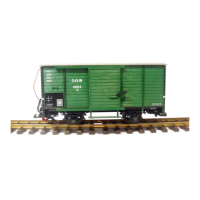
Put the trains on the track. Push the locos and cars
together to couple them.
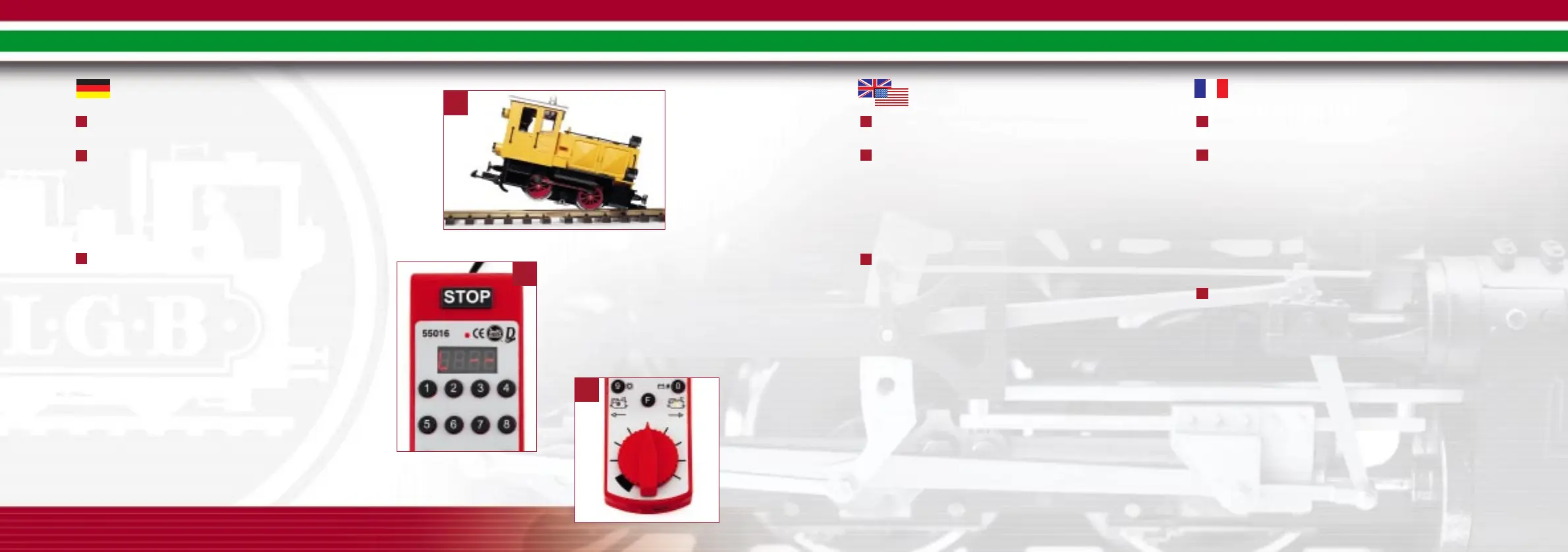
Select a loco with the Loco Remote:
- LED display shows the last selected loco address: "L xx” (xx
= loco address)
- Press the "0” button. Display shows "L --”
- Input two-digit loco address (02 for steam loco, 04 for diesel
loco). New loco address will be displayed "L xx.”
Have fun! Turn the control knob on the Loco Remote to
the right to move the train forward and to the left to move it
backward.
Hints:
- The locomotive, cars and track in this set are weather-
resistant and can be used outdoors.
- If two locos are about to collide, press the "STOP” button
(see Emergency Stop in the chapter Operation - MTS Central
Station).
Placer les trains sur les rails. Atteler les wagons aux loco-
motives.
Sélectionner une locomotive avec la télécommande pour
locomotive :
- La DEL indique l’adresse de la dernière locomotive sélec-
tionnée : «L xx» (xx = adresse de la locomotive)
- Appuyer sur le bouton «0». L’afficheur indique «L --»
- Entrer l’adresse à deux chiffres (02 pour la locomotive à
vapeur, 04 pour la locomotive diesel). L’adresse sélectionnée
sera affichée «L xx».
Amusez-vous bien ! Tourner le bouton de commande sur
la télécommande pour locomotive vers la droite pour déplacer
le train vers l’avant ou vers la gauche pour le déplacer vers
l’arrière.
Conseils :
La locomotive, les wagons et les rails de ce coffret résistent
aux intempéries et peuvent donc être utilisés à l’extérieur.
Appuyer sur le bouton «STOP» en cas de collision imminente
entre deux locomotives (se reporter à Arrêt d’urgence au chapitre
– Fonctionnement – Poste central SMT).
Züge auf das Gleis stellen. Wagen und Loks gegeneinander
schieben, bis die Kupplungen einrasten.
Eine Lok vom Lok-Handy aus anwählen:
- LED-Display zeigt zuletzt gewählte Lokadresse an: „L xx“ (xx
= Lokadresse)
- Taste "0” drücken. Anzeige „L --“ erscheint.
- Lokadresse zweistellig eingeben (02 für Dampflok, 04 für
Diesellok). Neue Lokadresse „L xx“ wird angezeigt.
Jetzt können Sie losfahren! Drehen Sie den Regelknopf
nach rechts, um die Lok vorwärts fahren zu lassen, nach links,
um sie rückwärts fahren zu lassen.
Hinweise:
- Lok, Wagen und Gleise in diesem Set sind wetterfest und
können im Freien eingesetzt werden.
- Wenn die Loks zusammenzustoßen drohen, die "STOP”-Taste
drücken (siehe Nothalt unter BEDIENUNG DER MZS-
ZENTRALE).
7
8
9
7
8
9
7
8
9
8
7
9
➜


 To Next Page
 Loading...