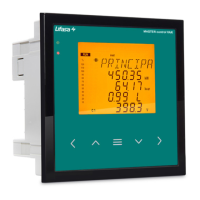
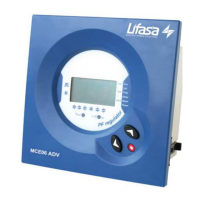
PFCL Elite 6 / PFCL Elite 12
- 17 -
Screens with the Number of Capacitor Connections (PM12, PM13, PM14 and PM15; TypeM3):
The number of screens will depend on the number of capacitors configured. We will have a maximum of 4
screens, since the information of 3 capacitors will be shown on a single screen.
The screens are alternated automatically to show the number of connections for each capacitor (C1, C2,...up
to C12).
Flashing capacitor icons on the measurement screens:
¾ The icons of the capacitors configured as ON (forced connection) will be turned off for 1 second
every 4 seconds.
¾ The icons of the capacitors configured as OFF (forced disconnection) will be turned on for 1 second
every 4 seconds.
¾ The icons of the capacitors that have been cancelled by the leakage current alarm will flash every
second.
¾ In the case of the disconnection after changing to the setup screen or due to a leakage alarm, only
the steps connected will start flashing every second.


 To Next Page
 Loading...