Lightkiwi.com Copyright © 2017 Lightkiwi LLC, All Rights Reserved
Contact Customer Service at cs@lightkiwi.com
Landscape Lighting
Note 1: The programs will not be activated until the following
conditions are met:
The operating mode of the timer is set to AUTO;a.
No countdown program is running.b.
Note 2: If a countdown program has just run (see Section 4) or the
operating mode is changed (see Section 5), the program at the
current time will be temporarily overridden.
4. COUNTDOWN FUNCTION
Hold COUNTDOWN for 2 seconds or more at any time (except
when a countdown program is running) to set a countdown
program.
A.
CTD
Note: no function will be tripped if COUNTDOWN is hold for less
than 2 seconds. Once the COUNTDOWN key is pressed, the timer
will be immediately shifted to AUTO OFF mode and output is cut
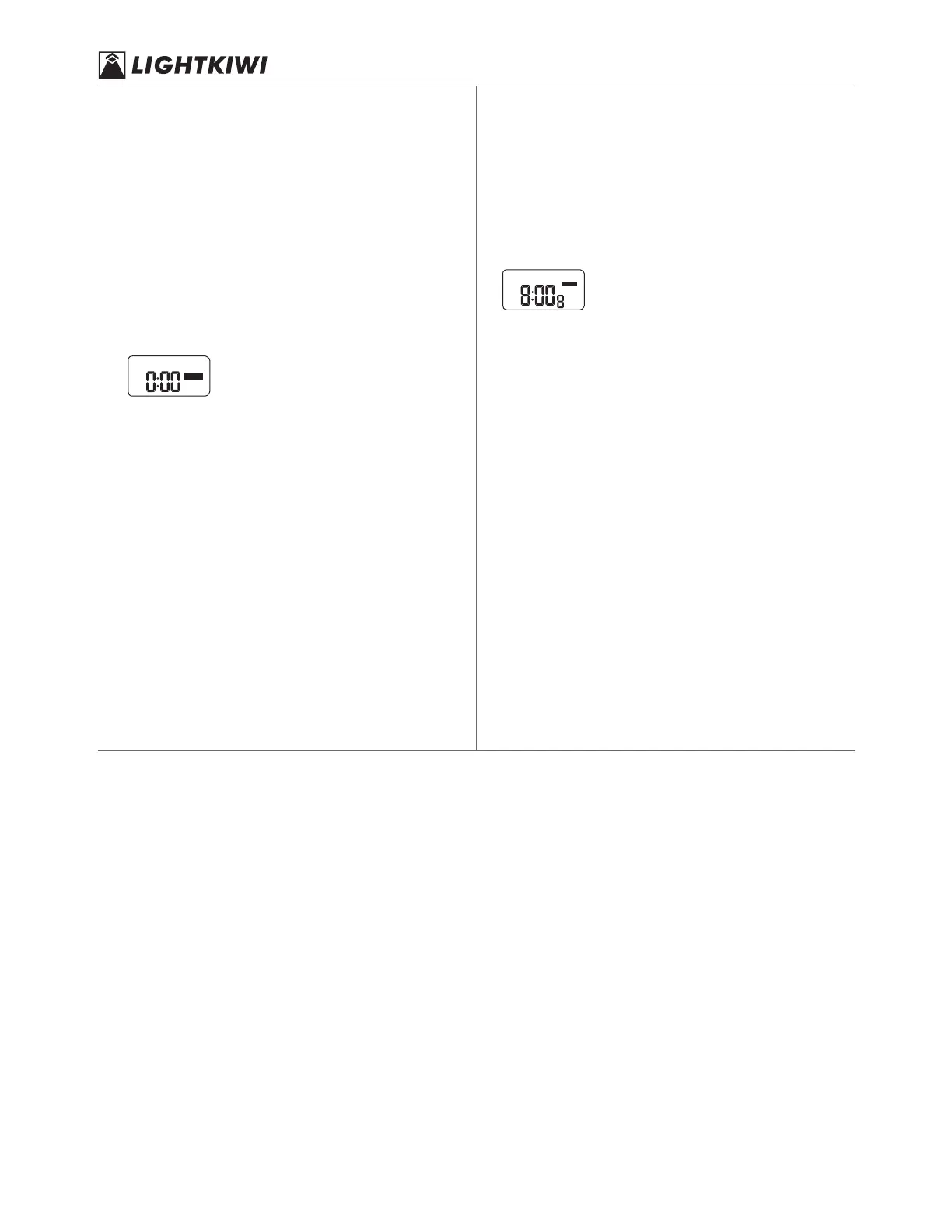
o. The screen shows;
the CTD sign indicates that the timer is now in countdown mode.
Use COUNTDOWN key to select a desired countdown time.
The screen display cycles in the following order 0:00 > 0:05 >
0:10 > 0:15 > … 1:55 > 2:00 > 3:00 > 4:00 > … > 11:00 >
12:00 > 0:00.
B.
i.e.: the increment per press would be 5 minutes before 2 hours is
reached an 1 hour after 2 hours is reached. Hold the CD key to roll
fast.
Release the key and the countdown start after 2 seconds. There
will be output in the outlet and the time that remains will ash,
the CTD sign will be constantly shown.
C.
The screen will go back to clock display when the countdown is
over. The timer is now in AUTO OFF mode.
D.
When the countdown program is running, you can press
COUNTDOWN to quit to clock display. The timer will be in
AUTO OFF mode.
D.
Note: When a countdown program is being set and when it is
running, functions of the other keys will be suspended.
5. OPERATING MODES OF THE TIMER
Press MANUAL at clock display to select desired operating mode of
the timer. Display of the modes cycles in such order:
OFF > AUTO OFF > ON > AUTO ON > OFF.
Description of the modes:
OFF: output is cut o and the programs are deactivated.
ON: output is constant and the programs and deactivated.
AUTO OFF/AUTO ON: the timer funs in accordance with the
programs previously set. The code of the ongoing program is
shown in the screen:
TU
AUTO
ON
AM
OFF indicates that there is no output and ON indicates that there
is output in the outlet.
N.B. If the timer cannot run as the programs are set, please verify if:
the current time is correctly set, including AM/PM;a.
the programs are correctly set, including the day and AM/PM;b.
the programs are overlapped;c.
the operating mode of the timer is set to AUTO. d.
3 4


 To Previous Page
 Loading...