On
Setting Moods Using the Mood Remote
1. Ensure that LightwaveRF devices (CFRs /dimmers/
sockets etc.) that you wish to include in the ‘mood’ are
paired with the Mood Remote (they can be paired to
any channel - A,B,C or D).
2. Using the Remote, or via manual control, set the
status (on or o) and dim level of the devices that you
want to include in the mood.
3. When you are satised with the current setup,
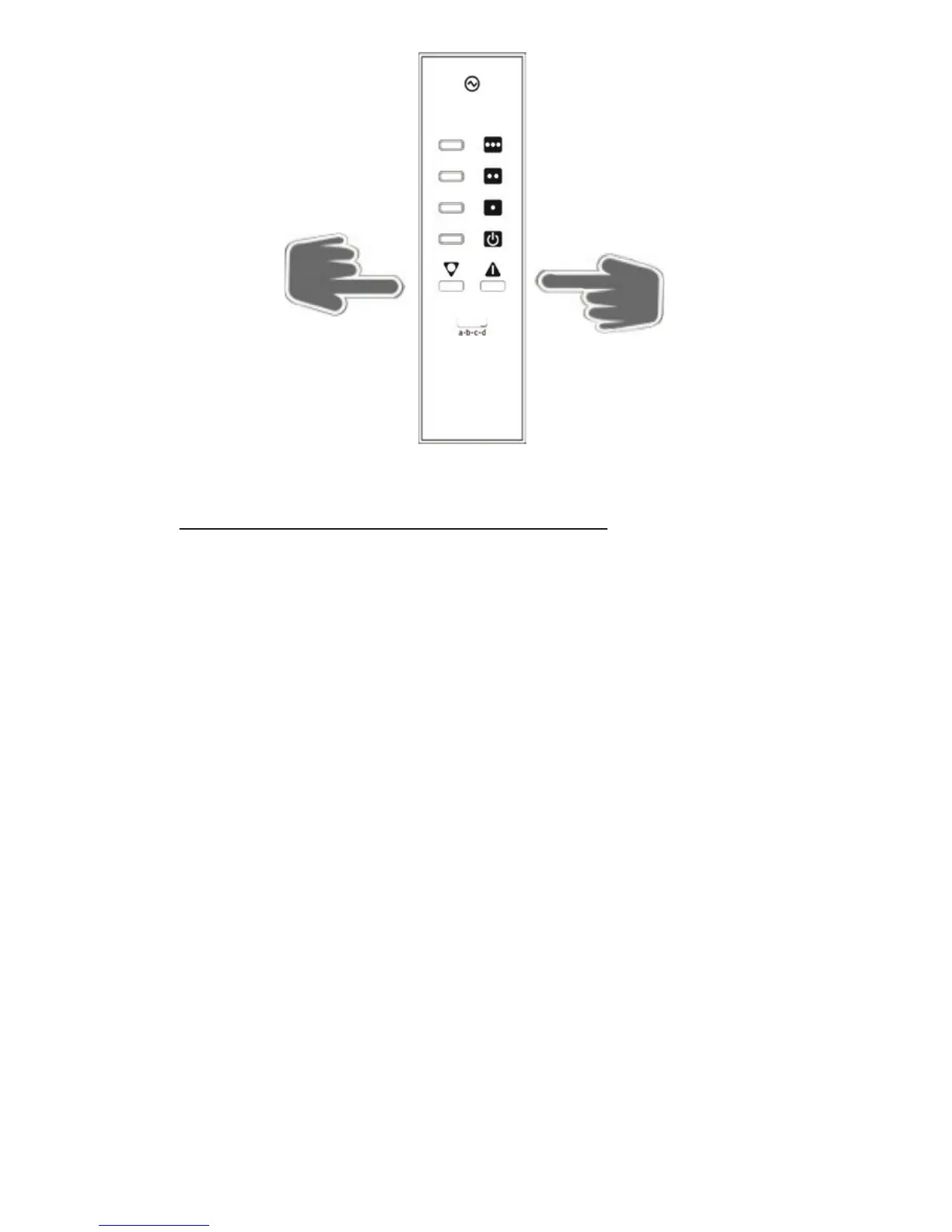
press and hold one of the Mood buttons. The LEDs
on any devices paired with the Mood Remote will
ash to indicate that the Mood is now set.
4. Press the ‘All O’ Button to turn o the mood. To
return to the saved mood at any time simply press the
relevant mood button once again.
5. Repeat the process for other mood buttons to
create multiple mood settings.
O


 To Next Page