49
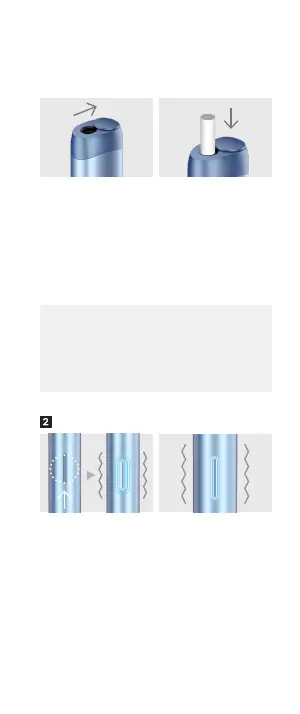
Press the Button for 2 seconds
until vibration occurs. After
2 seconds, the Status LED
blinks in ice blue, and vibration
occurs simultaneously.
Preheating will last for
about 25 seconds. The dura-
tion time of the preheating
process can vary according
to the use environment.
When the preheating
process ends, the Status
LED lights come on, and
vibration occurs
simultaneously.
This means that the
preheating process has
ended, and the stick is
ready for use.
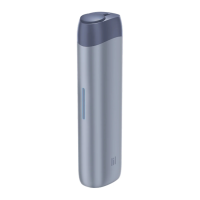
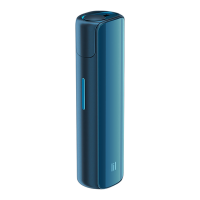
Get your device.
Slide and open the Cover
of the stick insertion part at
the top of the device.
Insert a tobacco stick
designed for lil SOLID into
the stick insertion part
with the tobacco part
facing
down and press
the stick in until it touches
the bottom of the stick
insertion part.
• If you insert the stick upside down, the device can
break down during use. Please check the insertion
direction of the stick before use.
• Close the cover of the stick insertion part when the
device is not in use to prevent any substances from
getting inside.
Start device


 To Next Page
 Loading...