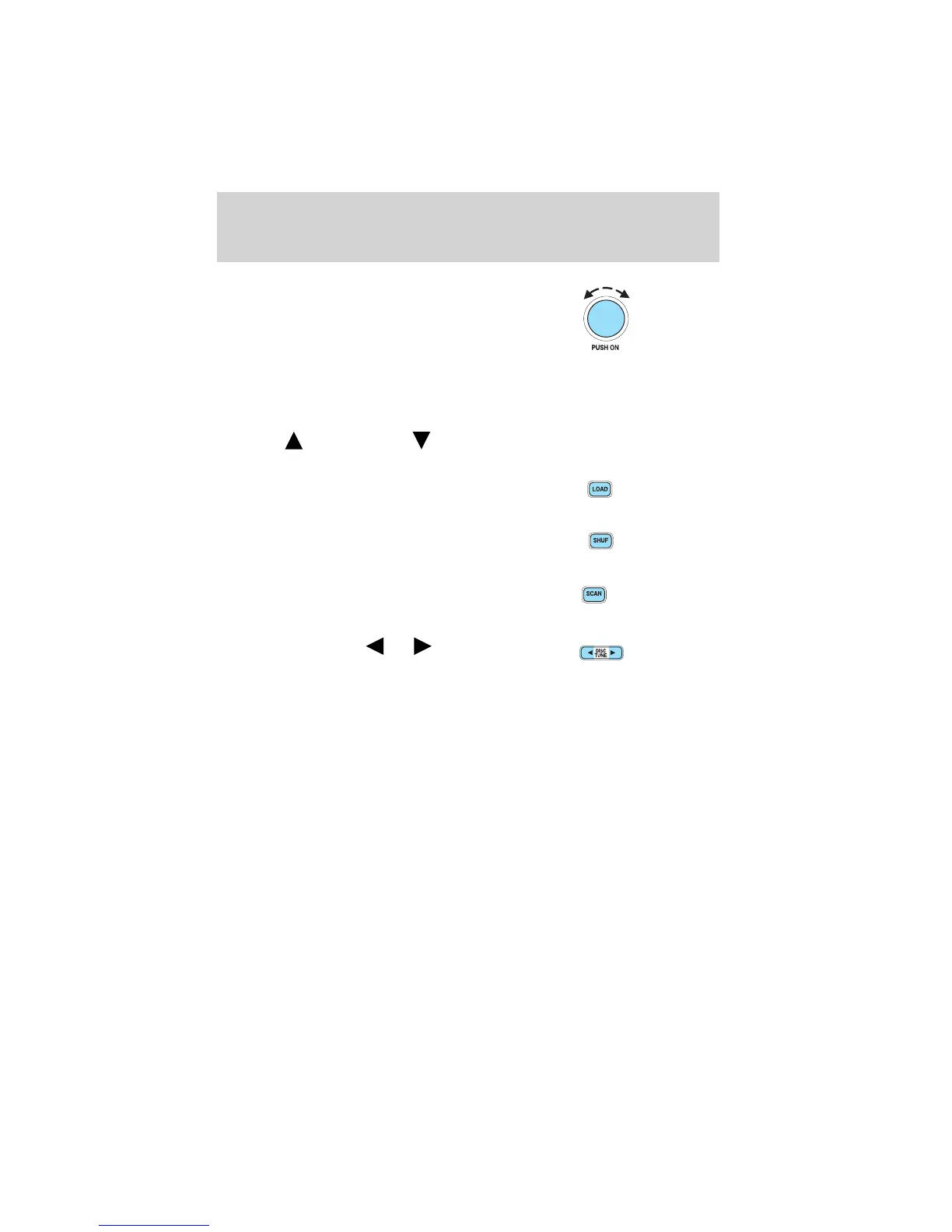
13. Power/volume: Press to turn
ON/OFF; turn to increase or
decrease volume levels.
Speed sensitive volume: Radio
volume changes automatically and
slightly with vehicle speed to
compensate for road and wind noise. Recommended level is 1–3. Level 0
turns the feature off and level 7 is the maximum setting.
Press and hold the volume control for five seconds. Then press SEL to
increase (
) or decrease ( ) the volume setting. The level will
appear in the display.
14. Load: Press to load a CD. Press
and hold to load up to six discs.
15. Shuffle: Press to play tracks in
random order.
16. Scan: Press SCAN to hear a
brief sampling of radio stations, or
CD tracks. Press again to stop.
17. Disc/Tune: Press
or to
manually tune down/up the radio
frequency band, or to listen to the
previous/next track on the CD.
Entertainment Systems
19










 To Next Page