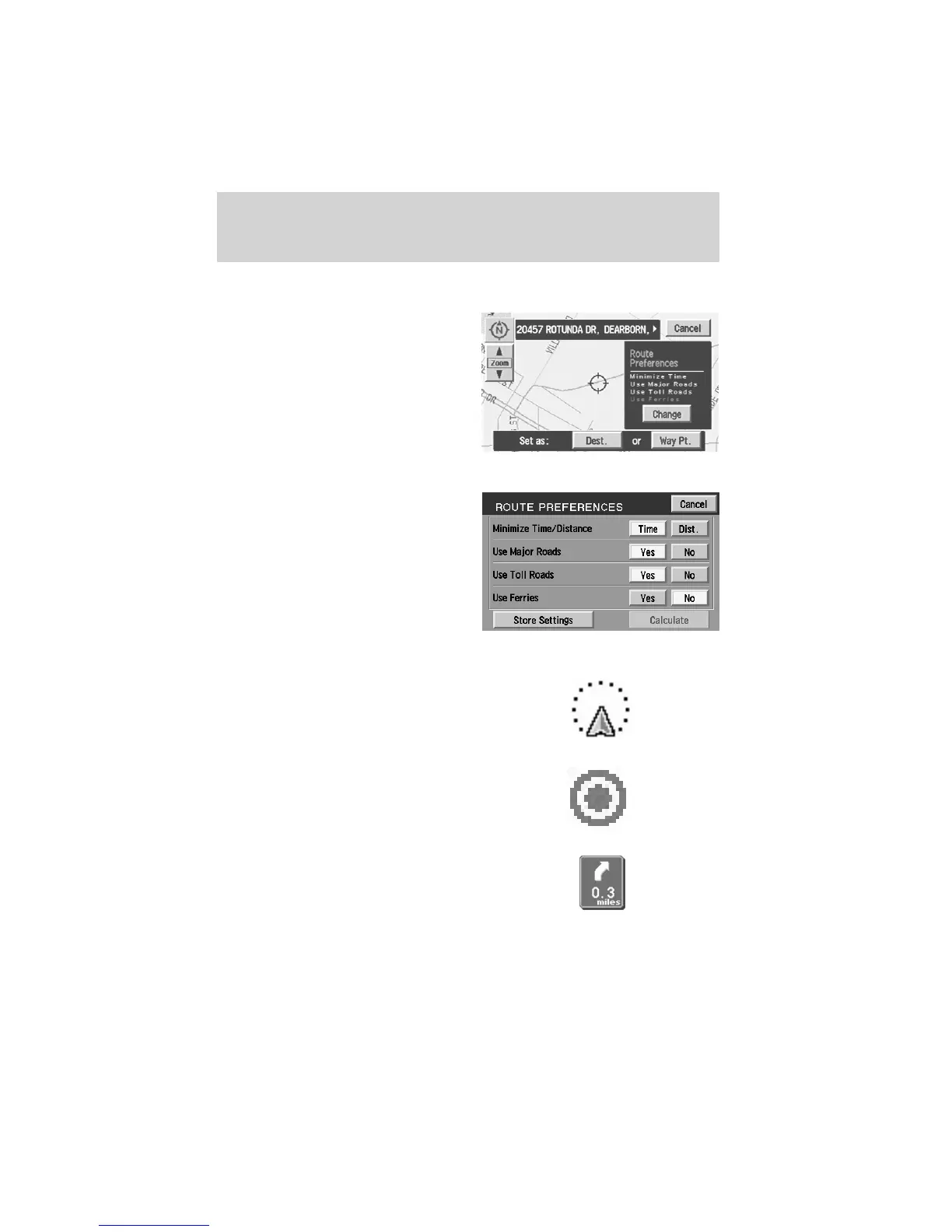
Route preferences
After entering a destination, the
Route options will appear on the
screen showing what is currently
selected. You may choose to
activate/deactivate selections which
the system will factor in when
calculating your route. Those
options are:
• Minimize Time/Distance
• Use Major Roads
• Use Toll Roads
• Use Ferries
Screen symbols
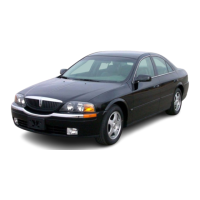
Navigation symbol — Indicates
the current vehicle position and
points to the direction in which the
vehicle is currently traveling.
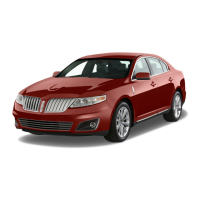
Destination symbol — Indicates
the current route destination.
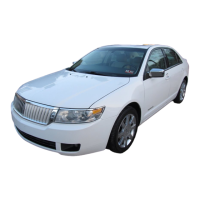
Next turn symbol — Shows the
next maneuver that will need to be
taken on the current route.
Entertainment Systems
43










 To Next Page