EasyManua.ls Logo

Lindy 32116 - Pre-set EDID Data; Video EDID Specifications; Audio EDID Specifications; Troubleshooting Common Issues

Lindy 32116
12 pages
Print Icon
To Next Page IconTo Next Page
To Previous Page IconTo Previous Page
Loading...
User Manual English
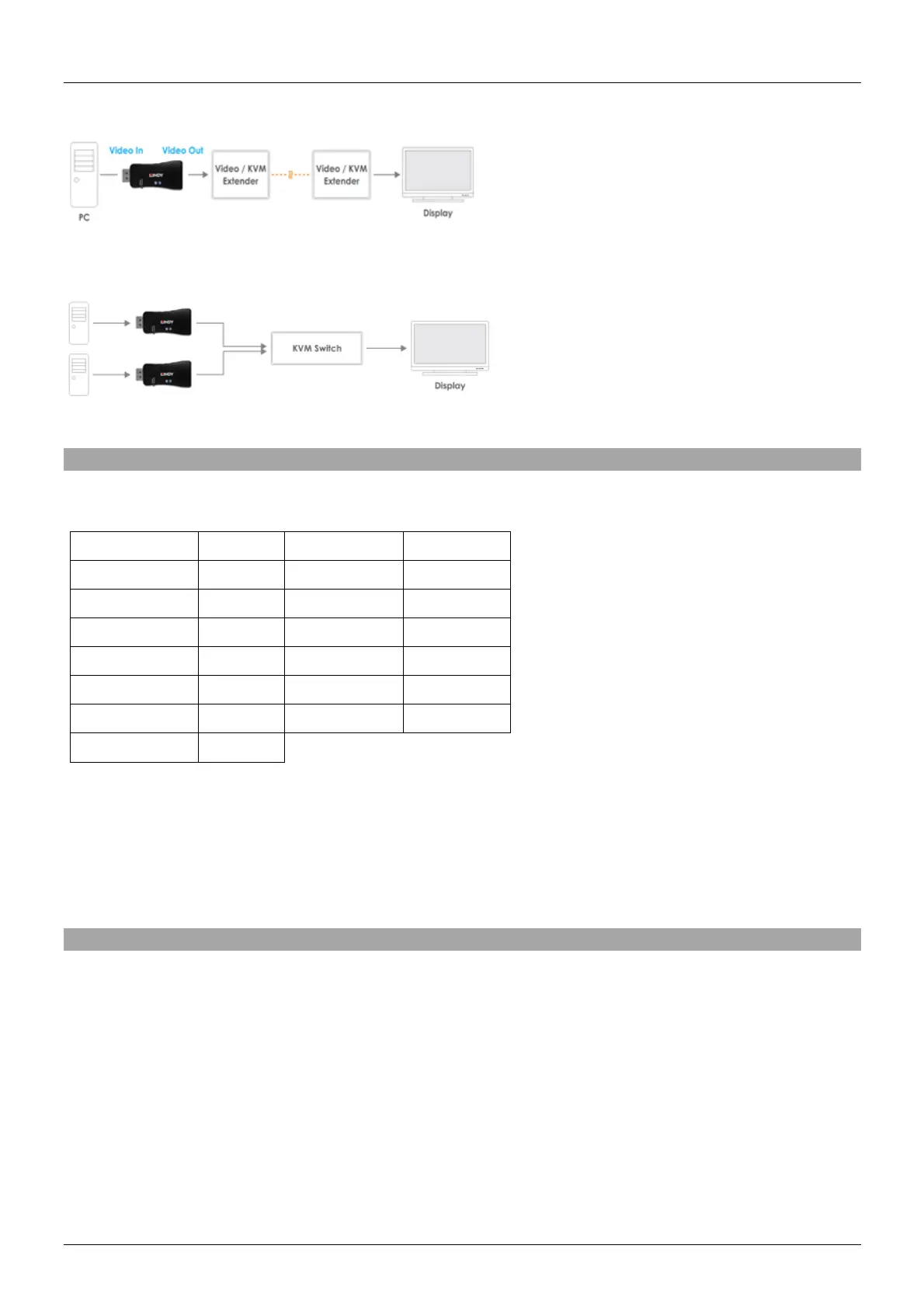
Example for use with extender:
Example for use with a switch:
Pre-set EDID Data
Video EDID:
Resolution
Refresh
Resolution
Refresh
640 x 480p
60Hz
1680 x 1050p
60Hz
800 x 600p
60Hz
1920 x 1080p
60Hz
1024 x 768p
60Hz
1920 x 1200p
59.95Hz
1280 x 720p
60Hz
2560 x 1440p
59.95Hz
1280 x 960p
60Hz
2560 x 1600p
59.95Hz
1280 x 1024p
60Hz
3840 x 2160p
24/30/60Hz
1440 x 900p
60Hz
Please note: In addition to the default EDID resolutions, there may be some different resolutions based
on the source device and display’s capabilities
Audio EDID:
LPCM 2-channel, 16 bit depths at 48 kHz
Troubleshooting
Windows shows a ‘Generic Non-PnP Monitor’ is connected – Please ensure that the emulator is directly
connected to the DP source by its male connector and that the Status LED is solid blue.
EDID Data is not clone Repeat the steps above, taking care to attach the DP cable from the display to
the emulator whilst the LED flashes blue.


Related product manuals