User Manual
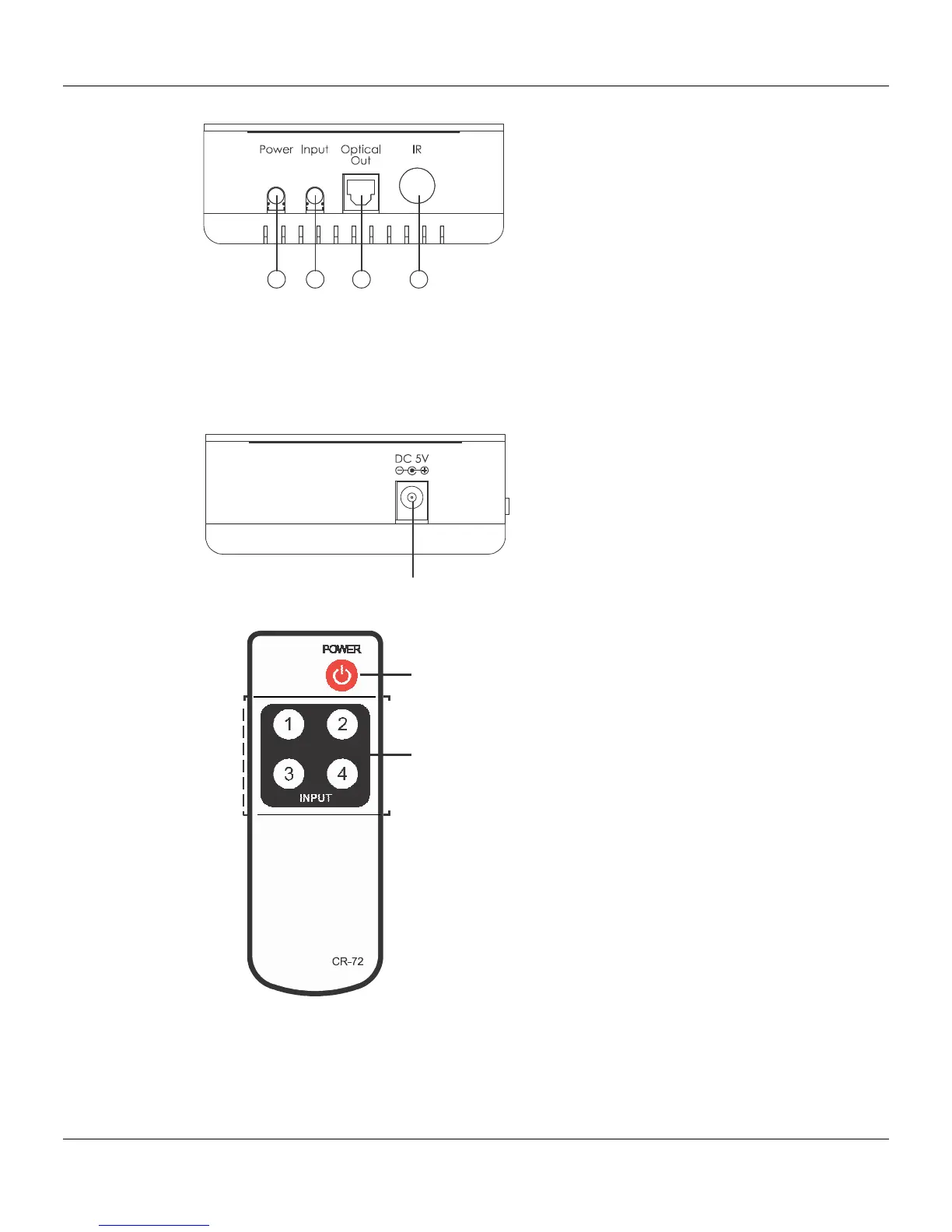
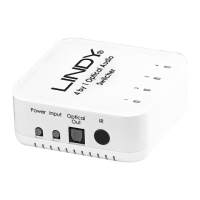
Output Ports
1. Power Button: Use this button to power on the unit and to leave in standby
2. Input: Press this button repeatedly till your selected source is activated
3. Optical Out: Connect your optical cable from your amplifier or active speaker
4. IR Sensor: Make sure the IR sensor is visible to your IR remote
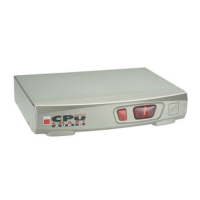
Power
Connect the 5V PSU to the LINDY Optical switch and to the AC wall outlet
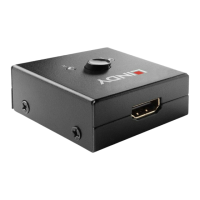
Remote Control
Power Button: Press to turn the
device on and then press again
to put the device in standby
Buttons 1-4: Select any of the
buttons for your required input


 To Next Page