User Manual English
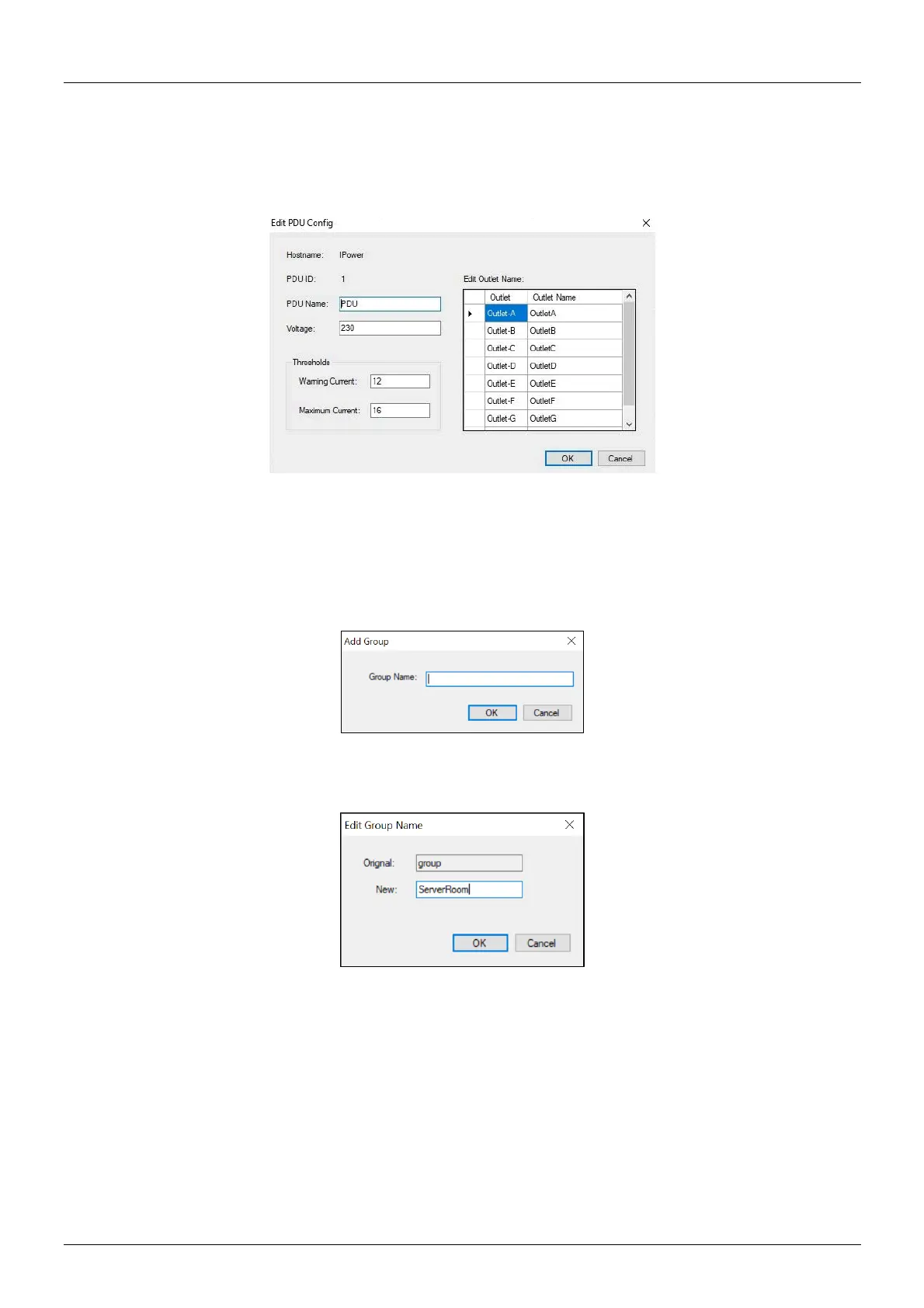
Edit PDU Config
▪ PDU Name: User defines the PDU name.
▪ Voltage: User defines the voltage.
▪ Threshold: PDU Threshold.
▪ Outlet name: User defines the outlet name.
Please note: The community names in the WebGui and the software must be the same.
Remove the selected PDU. Update the PDU information manually.
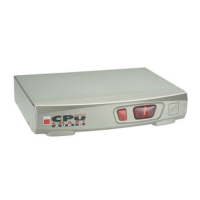
Add device group
Create a new group.
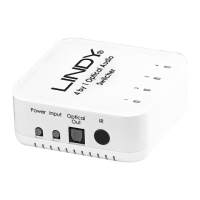
Edit Group
Rename the group.
Remove device group: Delete an existing group. All PDUs listed under this group must be removed first.
Data Management
▪ Export kW*hr Account to CSV: Export power data with CSV format.
▪ Export Data Log to CSV: Export current data log with CSV format.
▪ Export Events to CSV: Export events data with CSV format.
▪ Remove kW*hr Account Records: Delete power consumption data.
▪ Remove Data Log Records: Delete current data log.
▪ Remove Event Records: Delete event log.


 To Next Page