Home
LINKED
IP Camera
LZ3
Page 11
LINKED LZ3 - Page 11
48 pages
Manual
Save Page as PDF
To Next Page
To Next Page
To Previous Page
To Previous Page
Loading...
▪
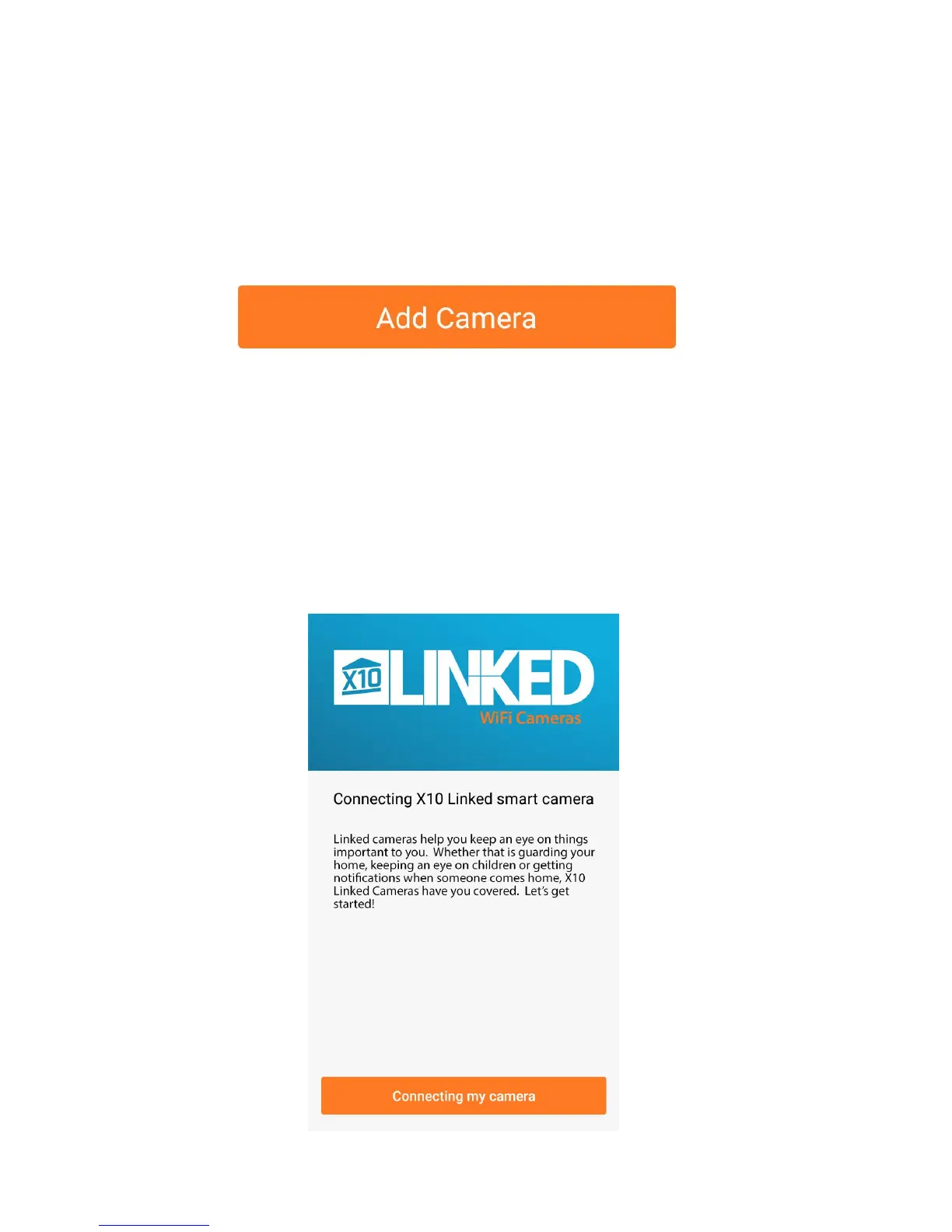
Press
the
add
camera
button
to
connect the IP camera or the + button in
the
top
left
hand
corner.
▪
Press the "connecting
my camera"
button;
you
will
also
notice
a
voice
prompt
will
guide
you
through
the
setup.
10
12



 To Next Page