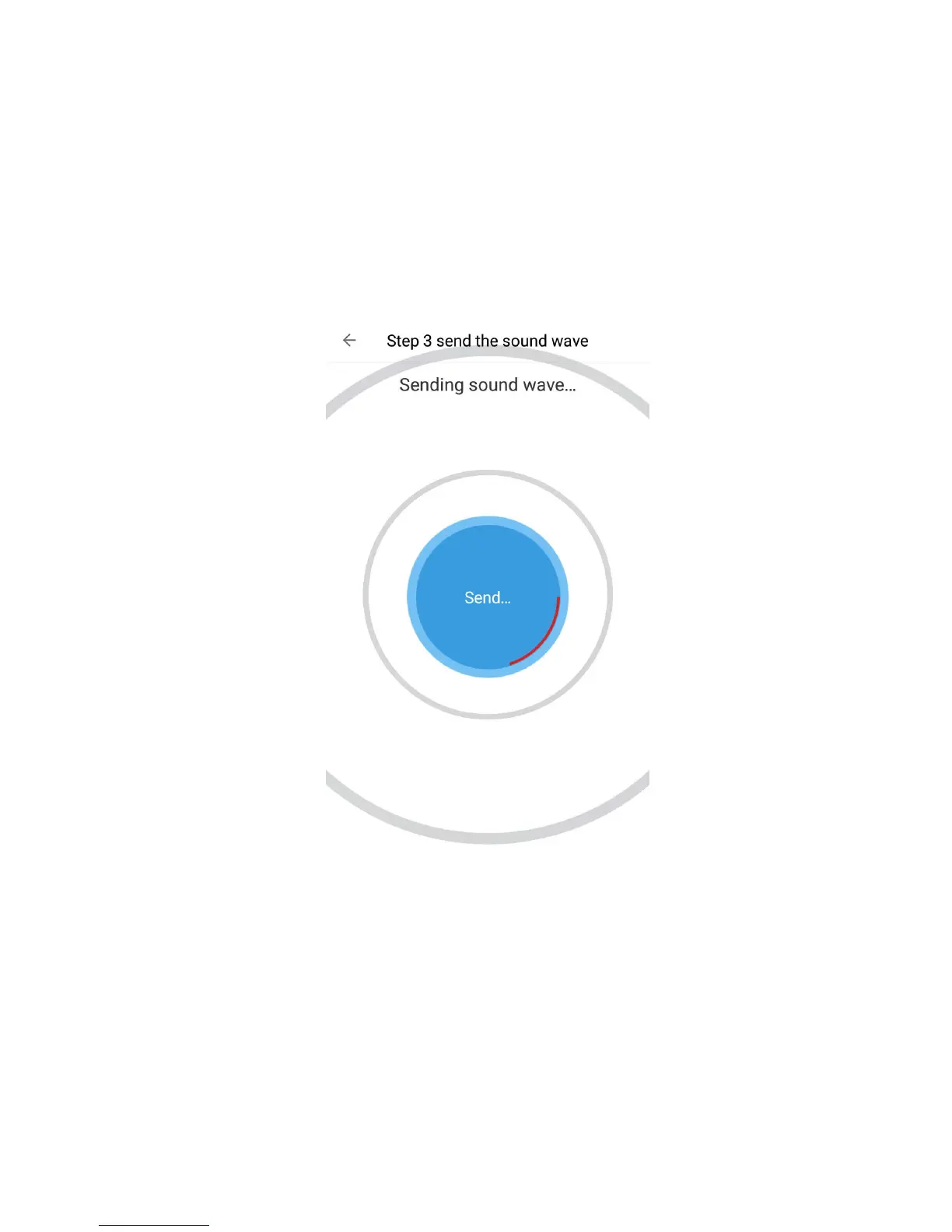
▪ The sound paring signal will now be
playing. If you can't hear the sound, make
sure your smartphone volume is all the
way up.
▪
The camera will now start pairing with
your route. If the pairing is unsuccessful and
you are not directed to the next page within
5-10 minutes, some error has occurred and
you can try sending the sound wave again.



 To Next Page