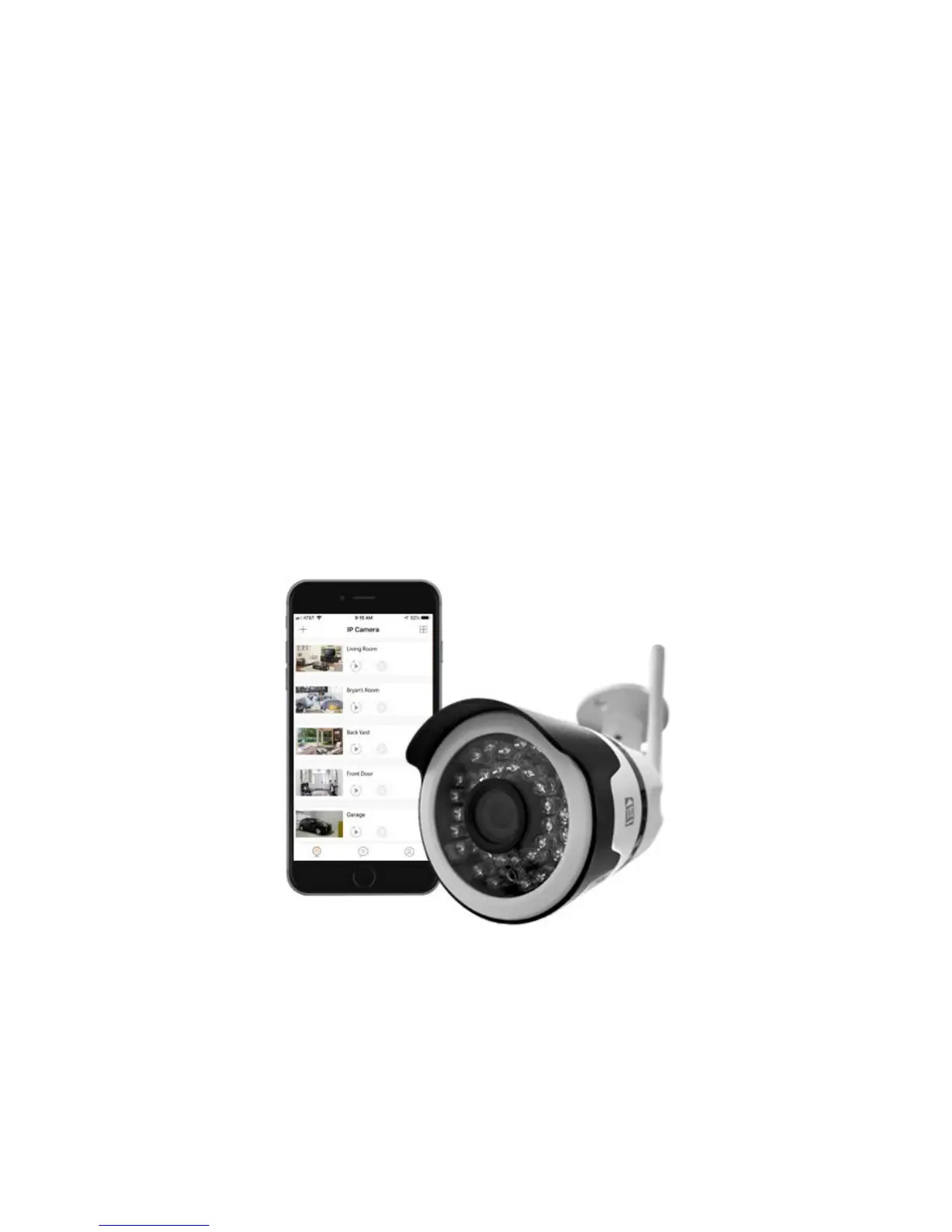
▪ Select your available Wi-Fi home
network and enter the correct password.
Once selected then proceed to select
your current time zone (android).
▪ Ensure the volume is all the way up on
your smartphone and place it next to
the IP camera's microphone. Once
your smartphone is next to the IP camera,
press the sound wave button to start the
signal.
▪ Once successfully paired; you
can now view the camera.



 To Next Page