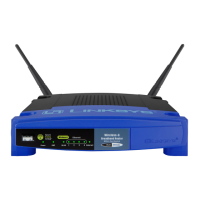
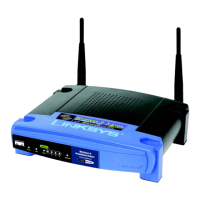
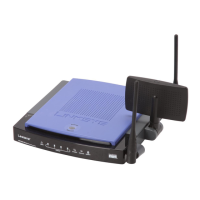
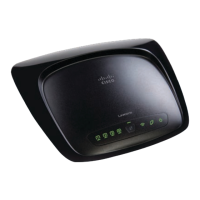
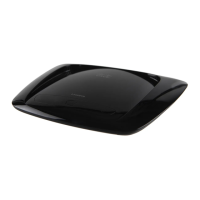
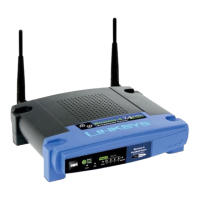
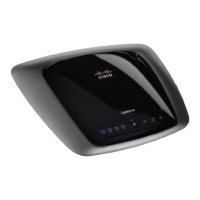
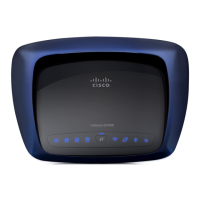
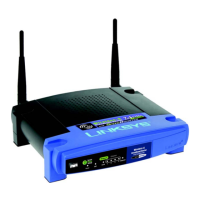
Instant Wireless
®
Series
Table of Contents
Chapter 1: Introduction 1
The Linksys Wireless Access Point Router with 4-Port Switch 1
Features 1
Minimum Requirements 2
An Introduction to LANs and WANs 2
IP Addresses 3
The Wireless Access Point Router’s Ports 5
The Wireless Access Point Router’s LEDs 6
Chapter 2: Connecting the Router 8
Before You Start 8
Connecting Your Hardware Together & Booting Up 8
Chapter 3: Configuring the PCs 11
Overview 11
Configuring Windows 95, 98, and Millennium PCs 11
Configuring Windows 2000 PCs 13
Configuring Windows XP PCs 15
Chapter 4: Configuring the Router 17
Chapter 5: Using the Router’s Web-Based Utility 22
Setup 23
Password 27
Status 28
DHCP 30
Log 31
Security 33
Help 35
Advanced Tab: Filters 37
Advanced Tab: Port Range Forwarding 41
Advanced Tab: Dynamic Routing 46
Advanced Tab: Static Routing 47
Advanced Tab: DMZ Host 49
Advanced Tab: MAC Address Cloning 50
Advanced Tab: Wireless 51
Appendix A: Troubleshooting 54
Common Problems and Solutions 54
Frequently Asked Questions 67
Appendix B: How to Ping Your
ISP’s E-mail and Web Addresses 73
Appendix C: Configuring Wireless Security 76
Configuring Wireless Security in Windows XP 79
Appendix D: Finding the MAC Address
and IP Address for Your Ethernet Adapter 84
Appendix E: Setting Up AOL
®
Broadband Cable & DSL 88
AOL Broadband via Cable 88
AOL Broadband via DSL 90
Appendix F: Glossary 91
Appendix G: Specifications 105
Environmental 106
Appendix H: Warranty Information 107
Appendix I: Contact Information 108
Wireless Access Point Router with 4-Port Switch



 To Next Page
 Loading...