21
To fix the problem on Windows computers, do the following*:
1. On your Windows desktop, click on the wireless icon in the system tray. A list of available
networks will appear.
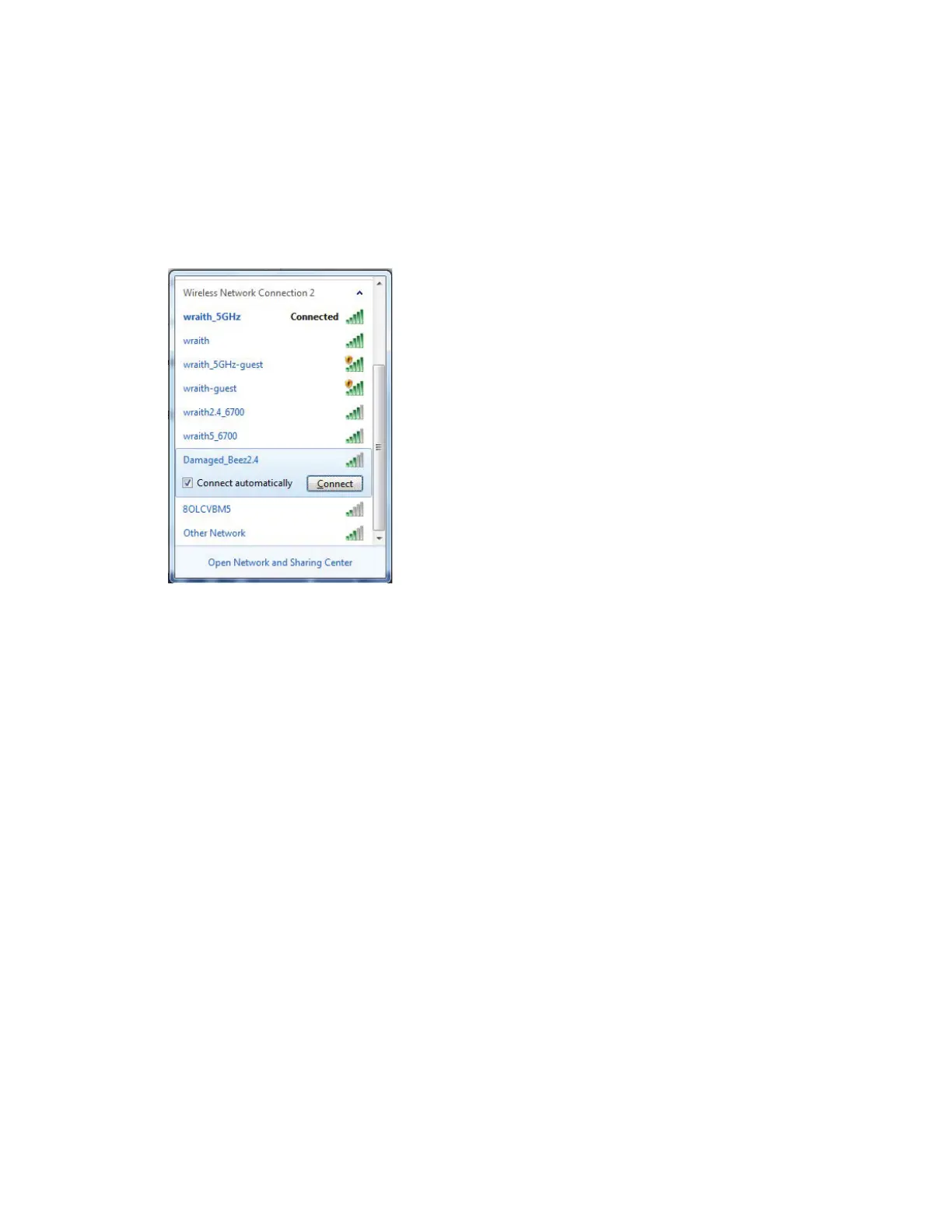
2. Click your own network name. Click Connect. In the example below, the computer was
connected to another wireless network named wraith_5GHz. The wireless network name of
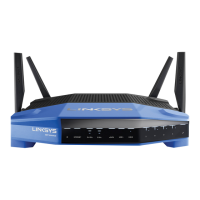
the Linksys WRT3200ACM router, Damaged_Beez2.4 in this example, is shown selected.
3. If you are prompted to enter a network key, type your password (Security Key) into the
Network key and Confirm network key fields. Click Connect.
4. Your computer connects to the network, and you should now be able to access the router.
*Depending on your version of Windows, there could be some differences in wording or icons in
these steps.


 To Next Page
 Loading...