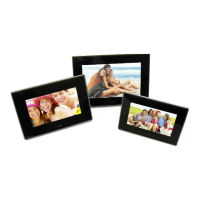
1. Once removed from the packaging, the digital photo frame can be securely placed on a flat
surface using the extendable stand attached to the rear of the frame.
2. Insert the adapter DC plug into the unit, then plug the adapter into a standard outlet.
3. Insert the available memory card or USB device into the corresponding slot.
4. Press and hold button on the rear of the frame for 8 seconds, the frame will power on
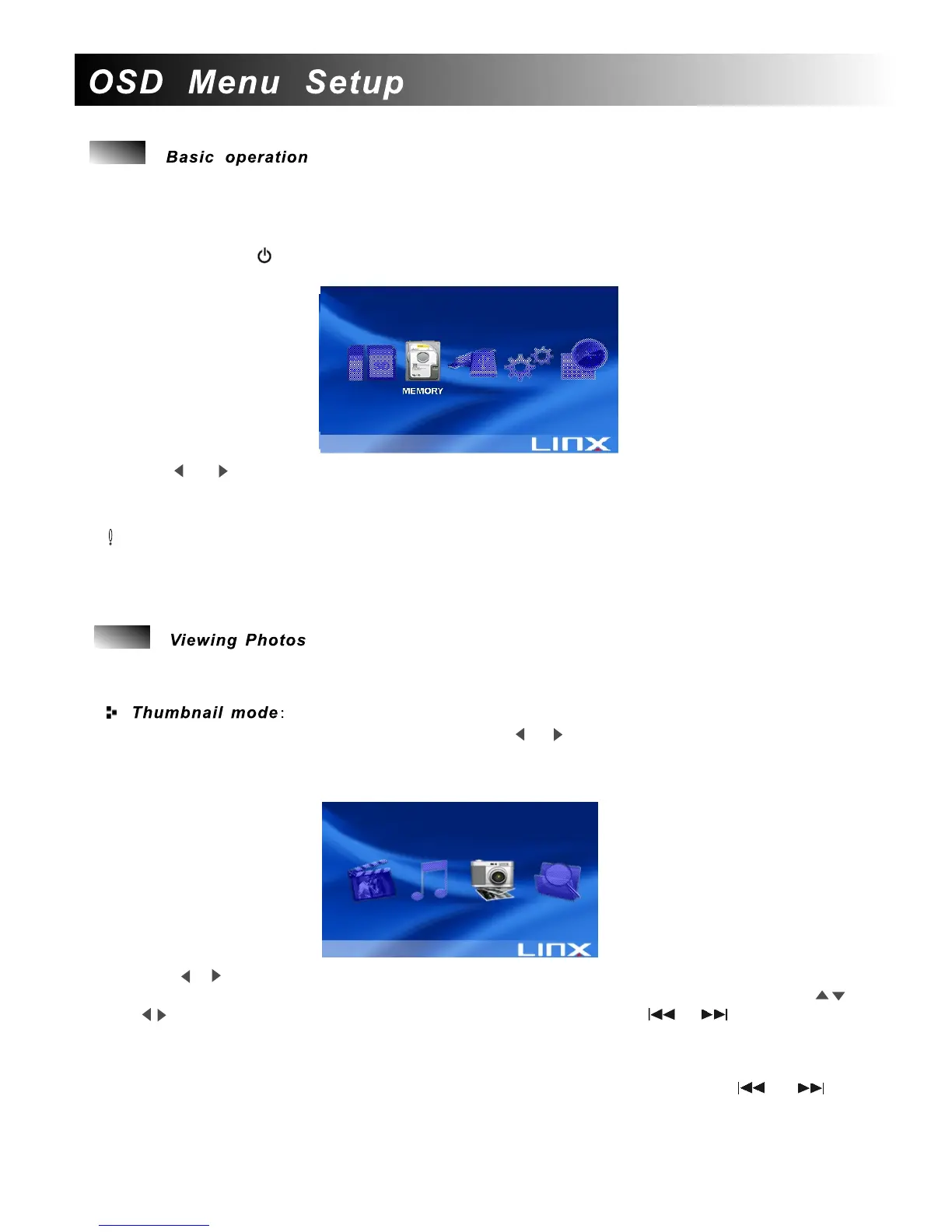
with the start-up screen, and then the main menu will appear as below:
5. Use or direction button to highlight an item that you want to enter and press ENTER
button on the remote control or OK on the rear of the frame to enter the sub-menu.
6. Press MENU button at any time to return to the main menu.
Quick Tip!!
Once you insert an external device, you can play photo/music/movie or overview the file
information just by pressing the respective button(PHOTO/MUSIC/MOVIE/VIEW) on the
remote control directly.
To view photos, make sure there are photos in JPEG format stored on the inserted device. The
player supports two modes for viewing an image: thumbnail mode and slide show mode.
1.After the above basic operation,you can use or direction button to highlight USB/SD/
Memory/ icon on the main menu and press ENTER on the remote control to confirm.
2.The screen will display the mode selection screen. There are four modes are available:
Movie,Music,Photo and File.
3. Use or direction button to highlight Photo icon( the third icon) and press ENTER
on the remote control to confirm. A screen with 15 thumbnail images will appear. Use
direction button to navigate among different image and use or to skip to the
previous or next page.
4. After highlighting an image, press ENTER on the remote control to enter into full screen
mode(PAUSE mode).
5. While viewing a single image, you can move to the previous/next image by or
buttons.
6. Press EXIT button to return to the thumbnail screen.
7
PhotoPhoto
Note: SD+ USB icons will only be
displayed if devices are connected
to the Frame.


 To Next Page
 Loading...