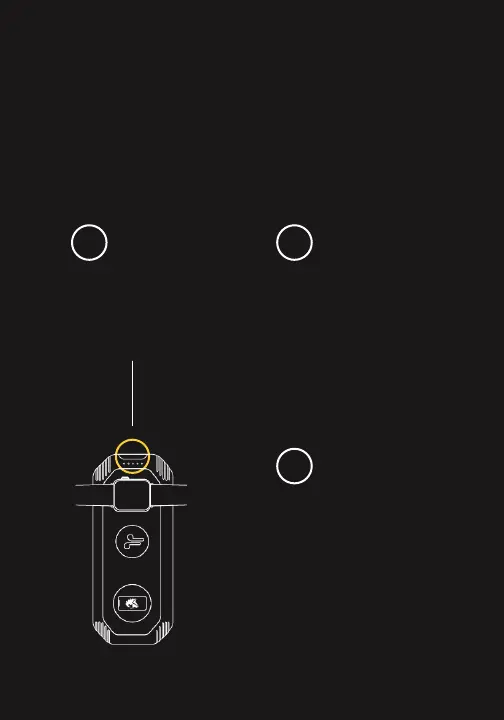
by pushing the power button
and hold for 3-4 seconds.
and when you remove your
device, the green light and the
Eclipse will automatically turn
off in ~30 seconds.
of the lights indicating you
can place your Qi enabled
smart phone, earpod and/or
watch on the corresponding
icon on top of the Eclipse.
1
3
2
TURN ON THE
LION ECLIPSE
THE DEVICE WILL
BEGIN TO CHARGE
A GREEN LIGHT
WILL ILLUMINATE
ON RIGHT SIDE
A GUIDE TO
Charging your
devices wirelessly.


 To Next Page