C
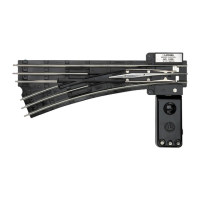
ongratulations on your purchase of the Lionel O-72 Remote-Control Switch! This non-
derailing switch features an illuminated controller and switch motor.
2
Using your O-72 switch on your layout
W
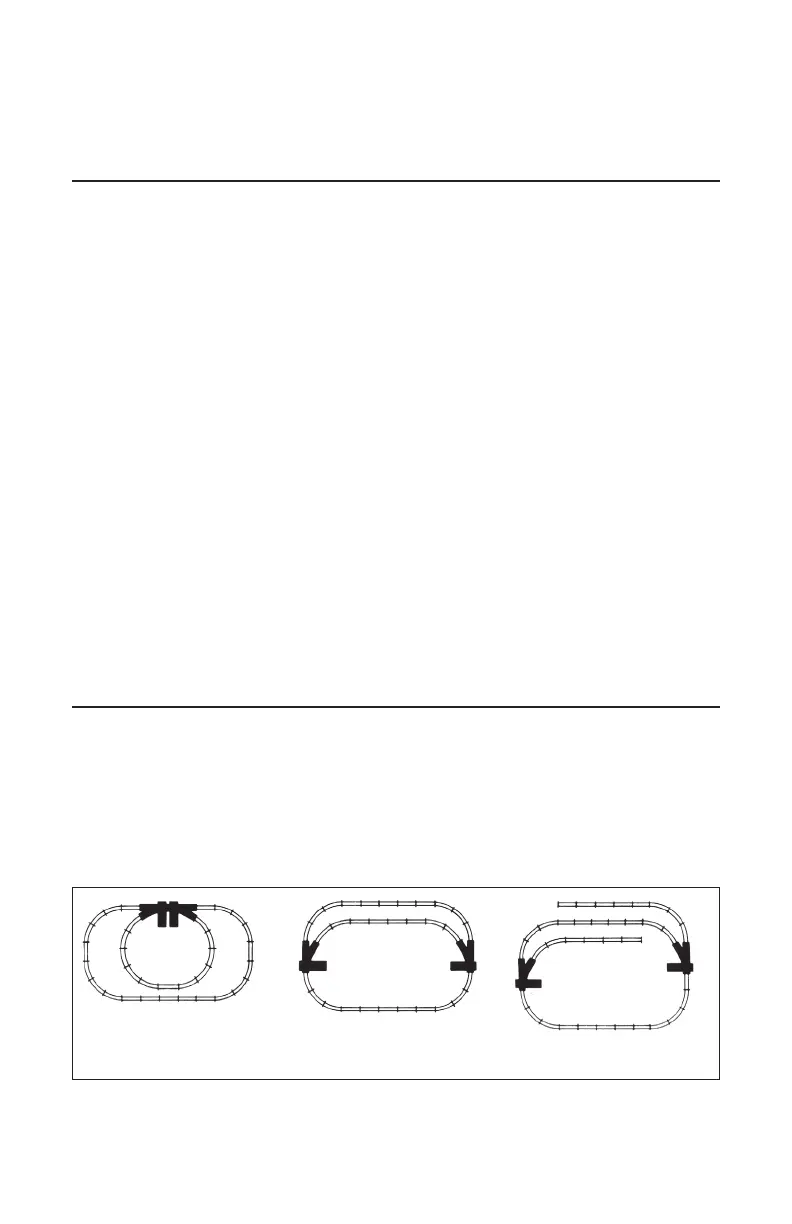
ith the addition of track switches, you can vary the route taken by your trains. For
example, you can maneuver your train into a different loop or divert it to a siding. See
Figure 1 for examples.
Keep in mind that most layouts use right- and left-hand switches together so that the trains
can get back to the mainline without backing up. Refer to the first two layouts shown in Figure 1.
Table of contents
Using your O-72 switch on your layout 2
Installing the switch 3
Changing the position of the switch motor 3
Powering the switch 4-5
Installing the controller 6
Replacing the lamp 6
Passing through a switch in the wrong direction 6
Activating accessories through the switch 6-7
Limited Warranty/Lionel Service 8
Figure 1. Layout examples
Example 1 Example 2 Example 3
The following Lionel marks may be used throughout this instruction manual and are protected under
law. All rights reserved.
Lionel
®
, TrainMaster
®
, Odyssey
®
, RailSounds
®
, CrewTalk
™
, TowerCom
™
, DynaChuff
™
,
StationSounds
™
, Pullmor
®
, ElectroCoupler
™
, Magne-Traction
®
, CAB-1
®
Remote Controller,
PowerMaster
®
, Lionel ZW
®
, ZW
®
, PowerHouse
®
, TMCC
®
, Lionelville
™
, Lockon
®
, Wireless Tether
™
,
LionMaster
®
, FatBoy
™
, American Flyer
®
, TrainSounds
™
The name FasTrack
®
is used with permission from Pitsco, Inc.


 To Next Page