USING THE CONTROL BUTTON
The control button allows you to control your TV without using the remote control.
• Briey press the button to bring up the control menu: ,, +, -, menu access, source
selection, on/o.
• Briey press the control button again to navigate through these options from left to right.
Then after selecting an option, press and hold the control button for three seconds to access
that option.
• Repeat the operation as many times as necessary (1 short press to navigate, 1 long press to
enter the sub-menu of your choice).
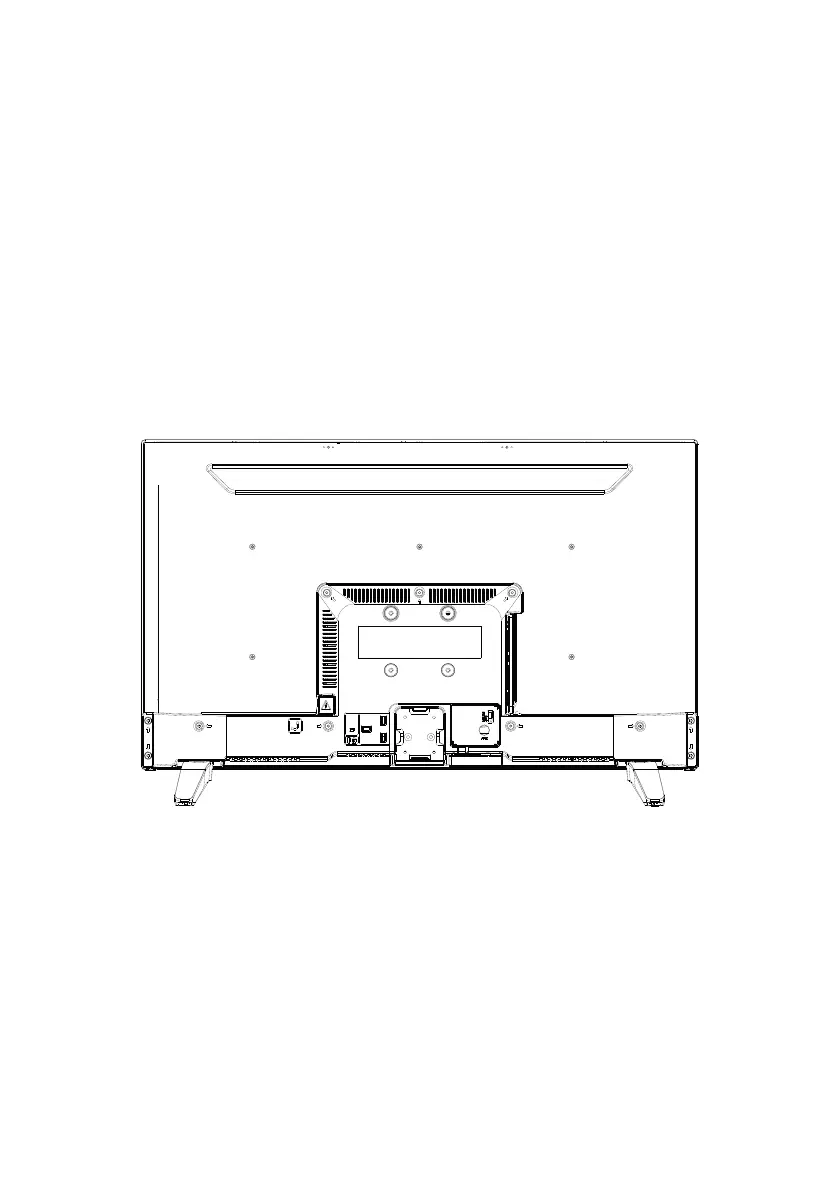
BACK PANEL
The equipment shown may vary from your TV.
V.1.0 34



 To Next Page