How to launch a smartpen
application: Piano
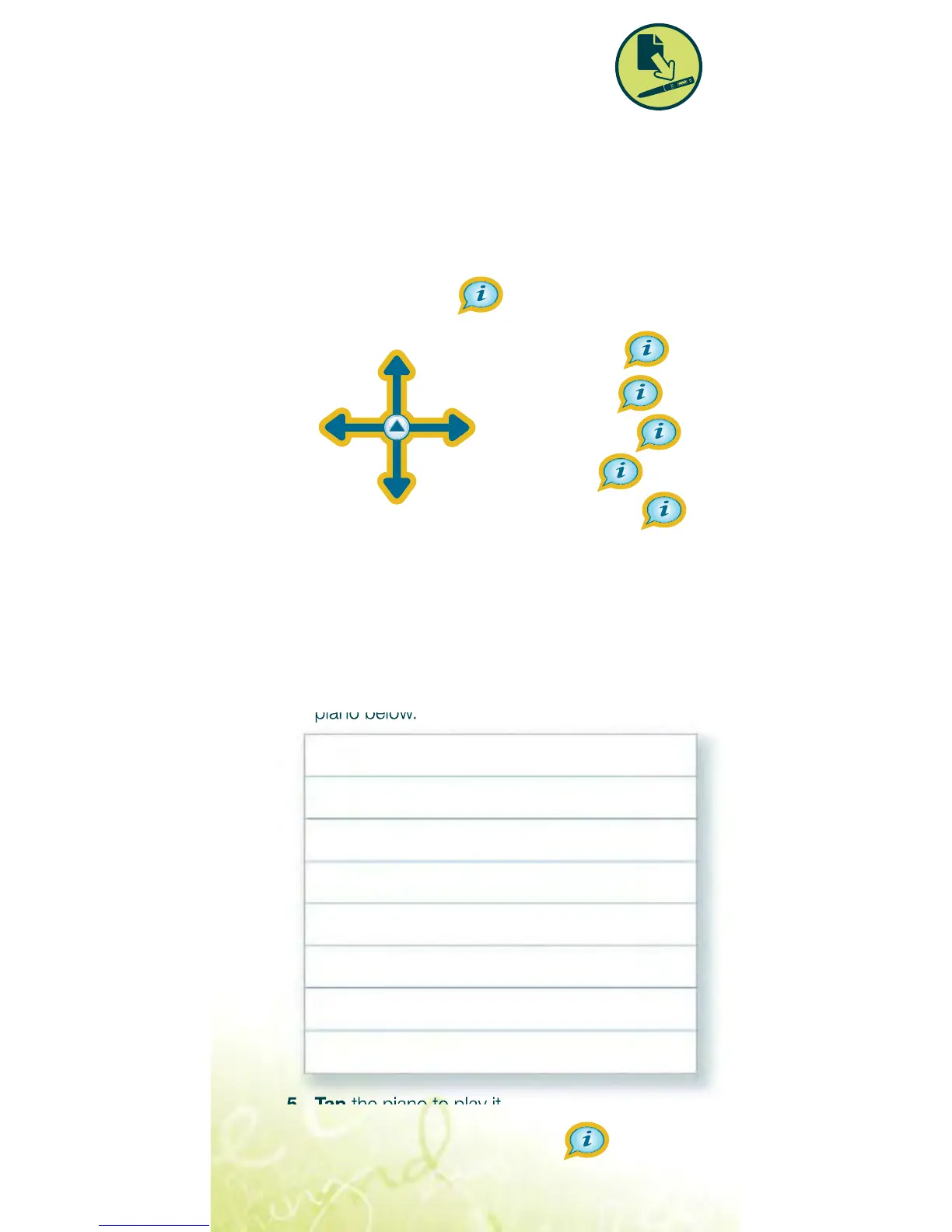
Double-tap1. (tap twice in the same spot in
less than a second) on the center (D) of
the Nav Plus below.
Tap2. the down arrow (E) repeatedly until
you see “Piano” on the smartpen screen.
Tap3. the right arrow (C) to launch Piano.
Follow the instructions in 4. audio and
on the smartpen screen to draw your
piano below.
Tap5. the piano to play it.
Can I draw sharps and flats?6.



 To Next Page