EasyManua.ls Logo

Lloyd LCR360 - User Manual

Lloyd LCR360
14 pages
Print Icon
To Next Page IconTo Next Page
Loading...
INSTRUCTION MANUAL
LCR360
Lloyd’s
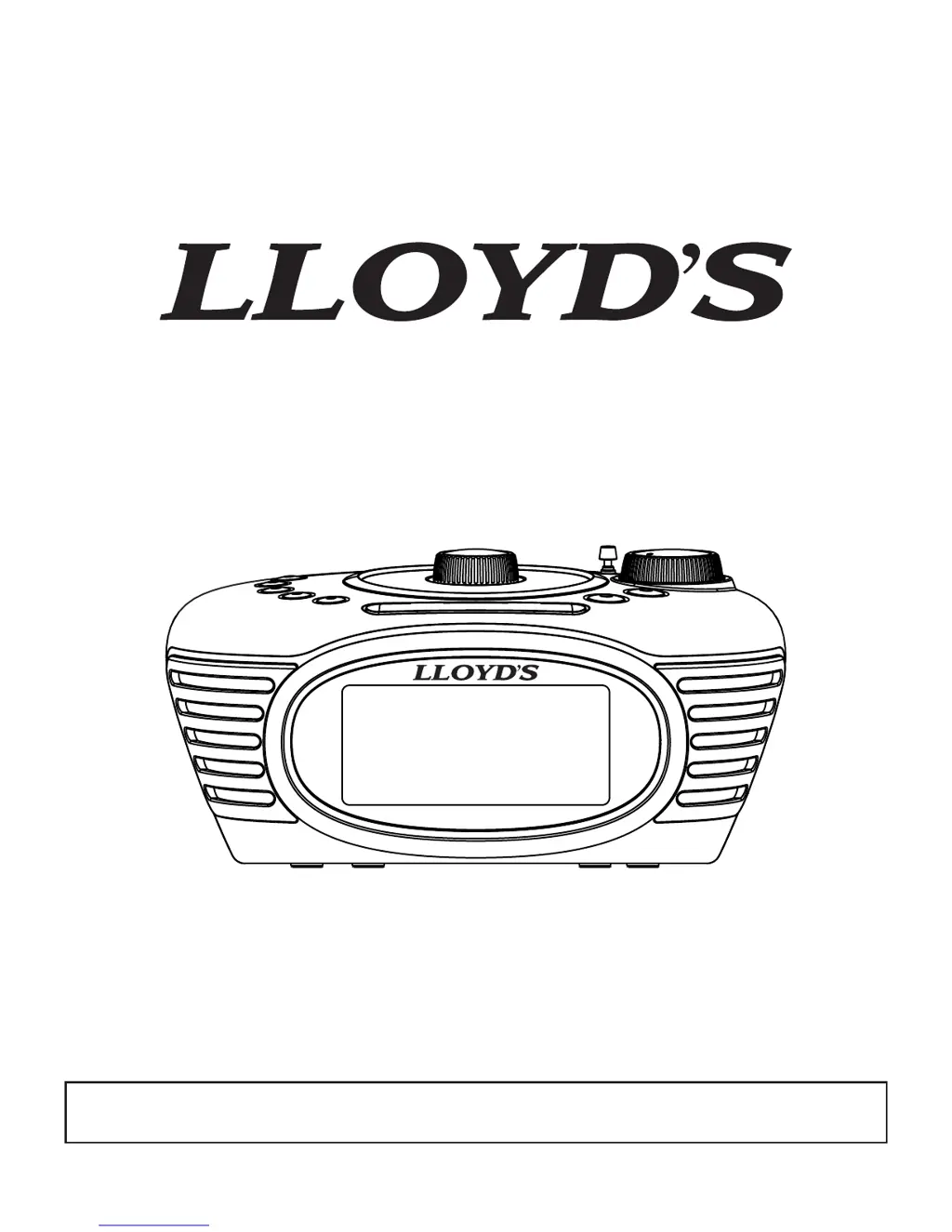
Retro Autoset Alarm Clock Radio
Thank you for purchasing this Clock Radio. Please read this instruction manual carefully before
using this product to ensure proper use. Keep this manual in a safe place for future reference.

Questions and Answers

  • B
    Brandon BrandtAug 1, 2025
    What to do if my Lloyd Clock Radio does not turn on?
    • R
      Robert YoungAug 1, 2025
      If your Lloyd Clock Radio doesn't turn on, first ensure the power adapter is properly plugged into a working wall socket and connected to the DC IN jack on the back of the unit. Also, if you are using battery power for the first time, the battery may be too weak. Try replacing it with a new battery.
  • H
    Heather DavisAug 5, 2025
    Why is there no sound when playing audio via AUX IN on my Lloyd Clock Radio?
    • A
      amanda63Aug 5, 2025
      If you're not getting any sound when playing audio through the AUX IN on your Lloyd Clock Radio, there are a few things to check: * Make sure the audio cable is properly connected between the unit and your external audio device. * Try using a different audio cable to rule out any breakage in the original cable. * Ensure the volume control on your external device isn't set too low; increase it as needed.
  • T
    Tammy AndersonAug 10, 2025
    What to do if the sound gets distorted when playing music on my Lloyd LCR360 Clock Radio?
    • J
      jasonparkerAug 10, 2025
      If the sound is distorted when playing music on your Lloyd Clock Radio, it could be due to the volume level being too high on either the connected device or the unit itself. Try decreasing the volume until the distortion disappears.
  • D
    Diana MendozaAug 15, 2025
    How to fix a noisy FM band on my Lloyd Clock Radio?
    • J
      Joshua FuentesAug 15, 2025
      If the FM band on your Lloyd Clock Radio is too noisy, it could be due to poor reception or the antenna not being extended. Fully extend the antenna and try relocating your unit away from metal surfaces.
  • J
    Julie KirkAug 20, 2025
    Why is the battery low indicator always flashing on my Lloyd LCR360?
    • W
      Wanda HansenAug 20, 2025
      If the battery low indicator is constantly flashing on your Lloyd Clock Radio, it means the battery is weak and needs to be replaced with a new one. Also, ensure the battery were installed properly and that the polarity is correct.
  • R
    Ricardo OsbornAug 26, 2025
    What to do if the source sound is distorted on my Lloyd LCR360?
    • J
      Joel CrawfordAug 26, 2025
      If the original sound source (MP3) on your external device is of poor quality, the distortion and noises are easily noticed with speakers. Try a different audio source with better sound quality.

Summary

Warnings and Safety Information

FCC Important Information

Device compliance with FCC rules and Canadian ICES-003 regulations for interference.

Safety Symbols Explanation

Explains warning symbols like lightning flash and exclamation point for electrical safety.

Important Safety Instructions

General Safety Guidelines

Covers instructions for reading, retaining, heeding warnings, and following operational guidance.

Product Care and Usage Precautions

Details on cleaning, attachments, water/moisture, accessories, and cart combinations.

Ventilation and Power Source

Guidelines on ensuring proper ventilation and using correct power sources.

Polarization and Cord Protection

Safety features related to polarized plugs and power cord routing.

Lightning and Overloading Protection

Advice on protecting the unit from lightning surges and avoiding overloaded outlets.

Object Entry, Servicing, and Replacement Parts

Precautions against liquid/object entry, servicing by qualified personnel, and using specified parts.

Heat, Usage Restrictions, and Child Safety

Guidance on placement, usage by persons with reduced capabilities, and child supervision.

Care and Maintenance

Cleaning and Protection

Instructions for cleaning the unit with a damp cloth and protecting furniture.

LCD Display Overview

Display Indicators

Identifies various indicators shown on the LCD screen like Battery Low, RADIO mode, etc.

Control Location

Top Controls

Identifies buttons and knobs on the top surface of the clock radio.

Back Controls

Identifies ports and switches located on the back of the unit.

Connecting Power

AC Power Connection

Steps for plugging in the AC power adapter and cautionary notes.

Setting the Clock

Initial Clock Setup

Instructions for plugging in the unit and the default factory preset time.

Time Zone Selection

Guide to selecting the correct time zone using buttons and confirming the setting.

Setting Daylight Saving Time (DST)

How to adjust the clock forward or backward for DST using the DST switch.

Manual Time and Date Adjustment

Step-by-step guide to manually set the hour, minute, year, month, and date.

Clock and Calendar Format Settings

Options to set 12/24 hour format and Month/Date or Date/Month calendar display.

Displaying Year and Date

How to view the year and date on the display.

Using the Alarm

Setting the Alarm

Detailed steps for setting alarm hour, minute, and alarm mode (Everyday, Weekday, Weekend).

Alarm Sound Source Selection

How to select between radio or buzzer for the alarm sound.

Reviewing and Turning Alarm On;Off

Steps to check the set alarm time and toggle the alarm ON or OFF.

Stopping and Resetting Alarm

How to stop a sounding alarm and how it resets for the next scheduled time.

Snooze Function Operation

How to activate the snooze function, its duration, and multiple presses.

Alarm During Power Failure

Behavior of the alarm during a power outage with backup battery.

Listening to Radio

Antenna Setup

Instructions for extending and orienting the FM antenna for best reception.

Tuning and Playing Radio

Steps for turning on the radio, tuning stations, and adjusting volume.

Using Aux In Jack

Connecting External Audio Devices

How to connect and play audio from external devices using the AUX IN jack.

Setting Display Brightness

Adjusting LCD Brightness

How to use the SNOOZE/DIMMER button to control the LCD display brightness.

Using Sleep Timer

Setting Sleep Timer

Guide to setting a sleep timer for radio or AUX playback, with duration options.

Canceling Sleep Timer

Methods to cancel an active sleep timer countdown.

Using Nap Timer

Setting Nap Timer

How to set a nap timer that only wakes to buzzer, with duration options.

Canceling Nap Timer

Procedures to cancel an active nap timer countdown.

Installing;Replacing Backup Battery

Battery Low Indicator

Identifies the indicator for low backup battery power and when replacement is needed.

Battery Replacement Procedure

Step-by-step guide to replace the backup battery using a screwdriver.

Battery Warnings

Important safety precautions regarding battery handling, disposal, and charging.

Troubleshooting

Unit Not Turning On

Possible causes and solutions for the unit failing to power on.

Battery Indicator Issues

Troubleshooting for the low battery indicator always flashing.

FM Band Noise

Solutions for noisy reception on the FM band.

Alarm Not Functioning

Checks for incorrect AM/PM time or alarm settings.

Sound Distortion

Causes and solutions for distorted sound, including volume and source quality.

No Sound via AUX IN

Troubleshooting steps for no audio output when using the AUX IN jack.

Specifications

Power Supply and Consumption

Details on the power adapter rating, input voltage, and power consumption.

Audio and Dimensions

Information on audio output power, impedance, unit dimensions, and weight.

Lloyd LCR360 Specifications

General IconGeneral
BrandLloyd
ModelLCR360
CategoryClock Radio
LanguageEnglish