Need help?
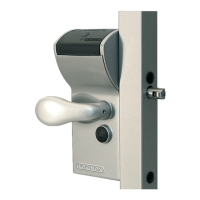
Do you have a question about the Locinox VINCI - LMKQ V2 and is the answer not in the manual?
First step in setting the code, involving removing the lock's closing cover.
Second step in code setting, removing the code panels to access the screws.
Third step in code setting, removing all code screws using the hex key.
Fourth step in code setting, using green screws to program the personal code.
 General
| Norm | EN 12209 |
|---|---|
| Weight | 1.2 kg |
| Color | Silver |
| Lock Type | Mortise lock |
| Security Level | Grade 3 |
| Housing | Aluminium |

 To Next Page