EasyManua.ls Logo

LOCO COOKERS LCFC2 - User Manual

Default Icon
48 pages
Print Icon
To Next Page IconTo Next Page
Loading...
Owners Manual
Assembly Instructions
INSTALLER: Leave this manual with the consumer. CONSUMER: Keep this manual for future reference.
READ INSTRUCTION MANUAL BEFORE ATTEMPTING TO ASSEMBLE
OR OPERATE THIS PRODUCT.
Adult assembly required. Keep screws and parts out of reach of children.
LCFC2 • IM • 120120
WARNING
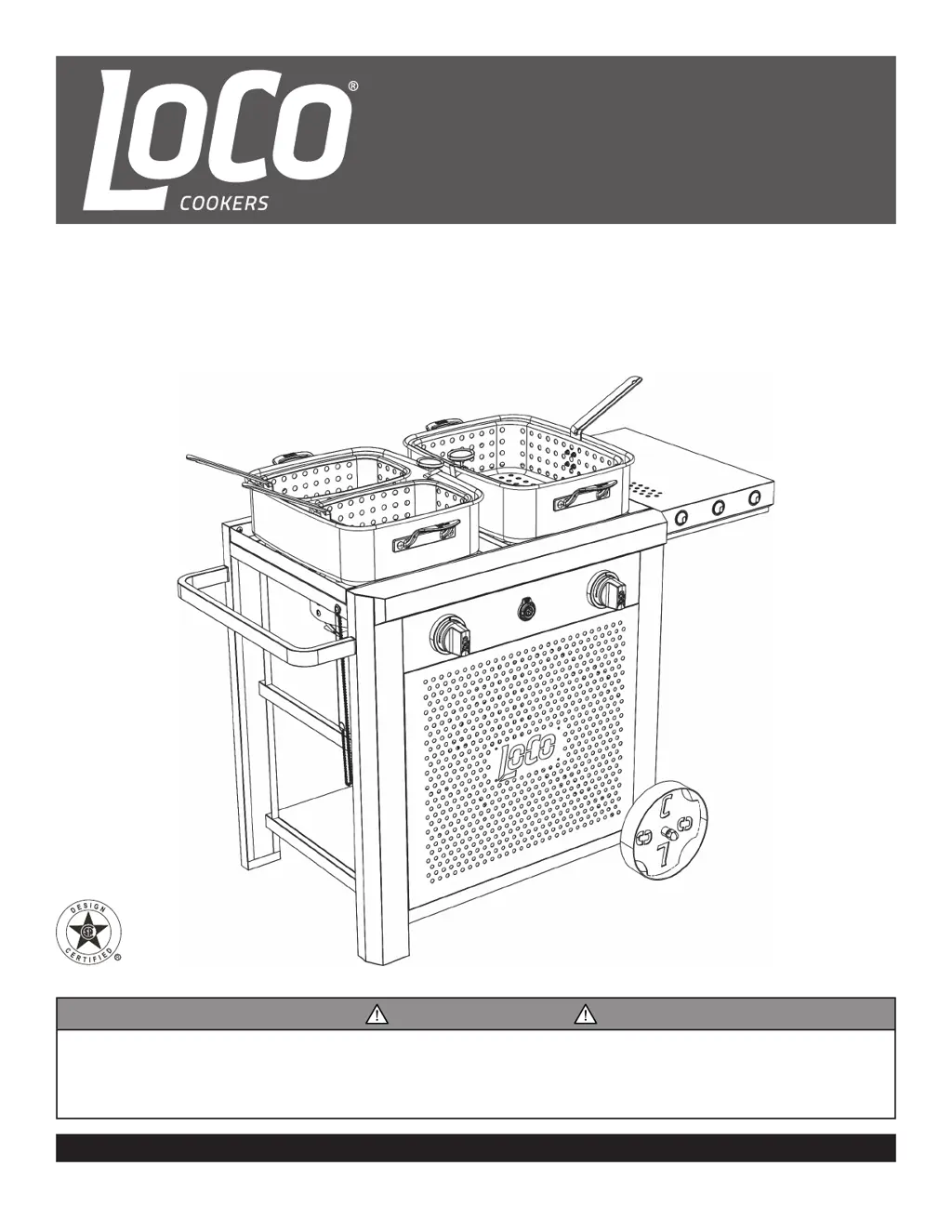
Dual Burner Fry Cart
Model: LCFC2

Questions and Answers

  • C
    Christopher DavisJul 29, 2025
    Why won't my LOCO COOKERS LCFC2 light?
    • A
      Antonio ReevesJul 29, 2025
      If your LOCO COOKERS Burner won't light, several factors could be at play. First, ensure the regulator coupling nut is fully tightened on the LP tank valve to establish a solid connection. Next, verify that your LP tank isn't empty; if it is, refill it at an authorized dealer or get a new, filled tank. Confirm you're pressing and holding the ignition button until the burner ignites. Also, check the battery: make sure the + and – ends are correctly oriented (the + end should face the battery cap) or replace it with a new alkaline AA battery if it's weak or dead. Lastly, ensure the battery cap is properly installed by unscrewing and reinstalling it, making sure the threads align and engage fully.
  • M
    Mark WilsonAug 8, 2025
    What to do if my LOCO COOKERS LCFC2 Burner does not stay lit?
    • J
      Jeffrey DownsAug 8, 2025
      If your LOCO COOKERS Burner doesn't stay lit, consider these possible causes: First, excessive wind could be the issue. If so, wait until the appliance is cool, then move it to a location with less wind and try relighting the burner. Also, check the LP tank; if it’s empty, refill it at an authorized dealer or purchase a new, filled LP tank.
  • L
    Larry JosephAug 19, 2025
    How to fix oil not reaching desired cooking temperature in LOCO COOKERS LCFC2?
    • J
      Jamie GutierrezSep 12, 2025
      If the oil in your LOCO COOKERS Burner isn't reaching the desired cooking temperature, there are a few things to check. Make sure the control knob is fully open by rotating it clockwise. Also, the Overfill Protection Device (OPD) on the LP tank might have been activated. To reset it, turn off the regulator control knob and the LP tank valve. Disconnect the regulator from the LP tank, wait at least one minute, then reconnect the regulator and fully open the LP tank valve. If these steps don't resolve the issue, contact Customer Service for a replacement regulator/hose assembly, as there may be a faulty or obstructed regulator hose.

Summary

General Safety Warnings

LP Tank Warnings

LP Tank Filling Procedures

LP Tank Leak Testing

LP Tank Leak Test Procedure

Step-by-step instructions for performing a leak test on LP tank connections.

Assembly Instructions: Steps 1 & 2

Assembly Instructions: Steps 3 & 4

Assembly Instructions: Steps 5 & 6

Assembly Instructions: Steps 7 & 8

Step 7: Burner Brackets and Shields

Mounting burner brackets and burner shields to the cook top.

Assembly Instructions: Steps 9 & 10

Step 9: Burner Assembly and Hoses

Securing burner assembly and routing regulator hoses.

Assembly Instructions: Steps 11 & 12

Assembly Instructions: Steps 13 & 14

Assembly Instructions: Steps 15 & 16

Step 15: Secure LP Tank

Placing and securing the LP tank in the cart base.

Operating Instructions: Connecting and Testing

Connecting Regulator and Leak Testing

Procedure for connecting the LP tank regulator and testing for leaks.

Operating Instructions: Lighting and Shutdown

Lighting and Operating Burners

Steps for lighting burners, checking flame, and shutting down the appliance.

Care and Maintenance

Troubleshooting Guide

Common Problems and Solutions

Identifies common issues and provides steps to resolve them.

LOCO COOKERS LCFC2 Specifications

General IconGeneral
BrandLOCO COOKERS
ModelLCFC2
CategoryBurner
LanguageEnglish