Loewe bild
User handbook
73
Deleting part of a recording
Playback an archive entry.
Press the PAUSE button from which point you want
to delete the recording to the end or the beginning.
MENU: Call up the menu options.
Select Delete to start or Delete to end,
OK Confirm with.
Select Ye s
OK Delete part of a recording.
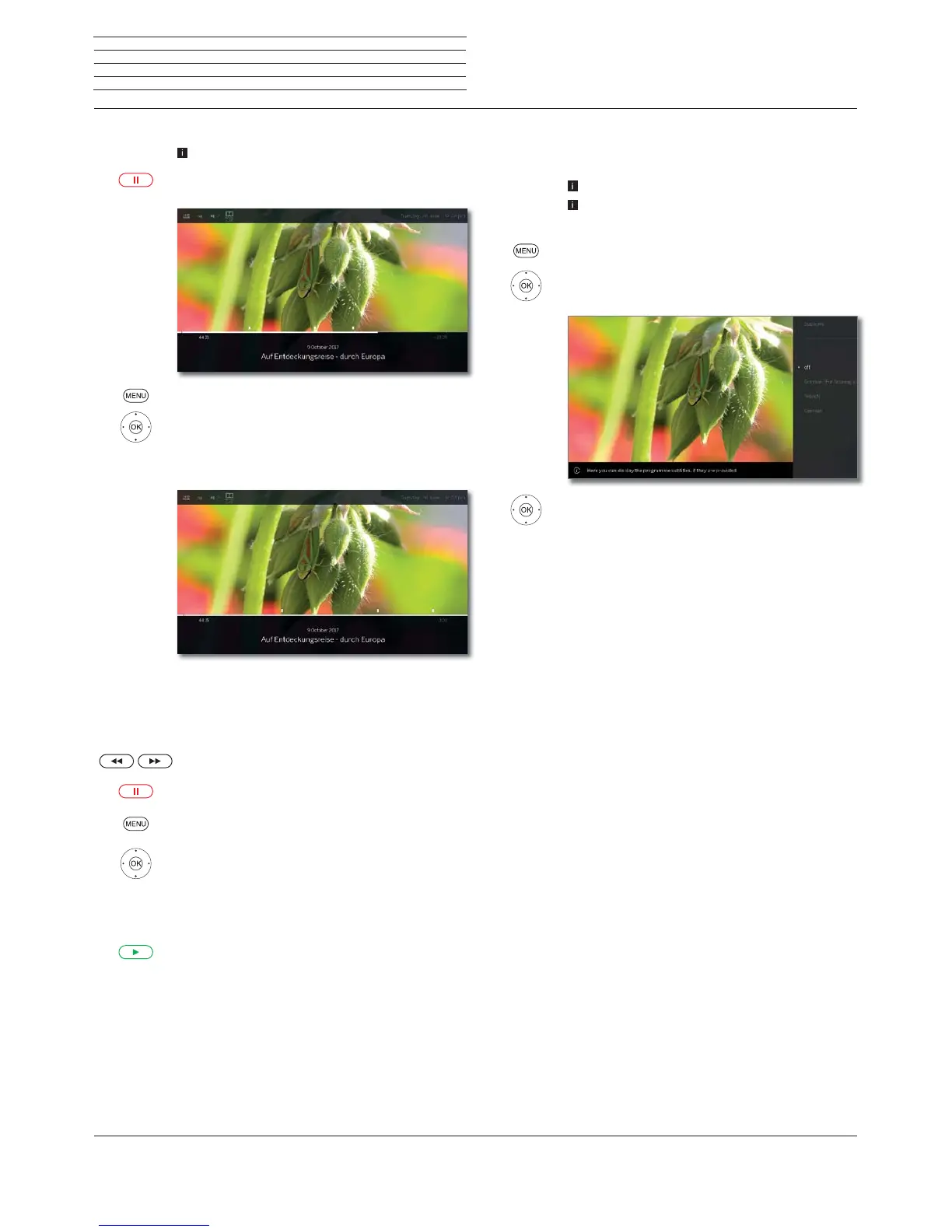
Determine cover picture
The covers for the display of the entry in the DR+ archive can be freely
determined by you during an archive replay:
Jump / wind to the desired position in the recording.
PAUSE key: Switch to freeze picture.
MENU: Call up menu options.
Mark Adopt as cover picture,
OK confirm.
You will see a message on the screen. The image will
be displayed next to the broadcast in the DR archive
in future.
PLAY key: Resume play.
Subtitles
When recording a programme, any existing subtitles can be recorded
as well and displayed when playing back.
An archive entry is replayed.
Subtitles were recorded too (see chapter TV, section
Recordings – Entering the Timer data).
MENU: Call up menu options.
Mark Subtitles,
OK call up available subtitles.
Mark the desired subtitles,
OK show/hide subtitles.
Sources
Video



 To Next Page