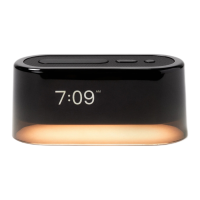
You will find the following under your Settings menu:
Settings
Sound Volume
There are two volume settings:
one for alarms and one for
playing audio.
P.S. You can see what software
version Loftie Clock is running at
the end of the Settings menu.
Brightness
Adjust the brightness of
the clock face.
Nightlight
Adjust the brightness of
your nightlight.
Bed Signal
Set the time and turn on/off.
Sleep Timer
Play content or a sound and
have it stop after a set time.
Get a Code
Pair your Loftie Clock to the app.
Set Time Zone
Manually set your time zone.
Set Time Mode
Switch between 12-hour
or 24-hour time.
Forget WiFi
Select when connecting to
a new WiFi network.
Power Off/Restart
Power off when you’re updating
or not using your Loftie Clock.
When your clock is plugged in, it
will say “restart”.


 To Next Page
 Loading...