7
Activating your device by connecting “bun hygro” to your Wi-Fi
To save battery, your device is in sleep mode. You need to activate it before using it as follows:
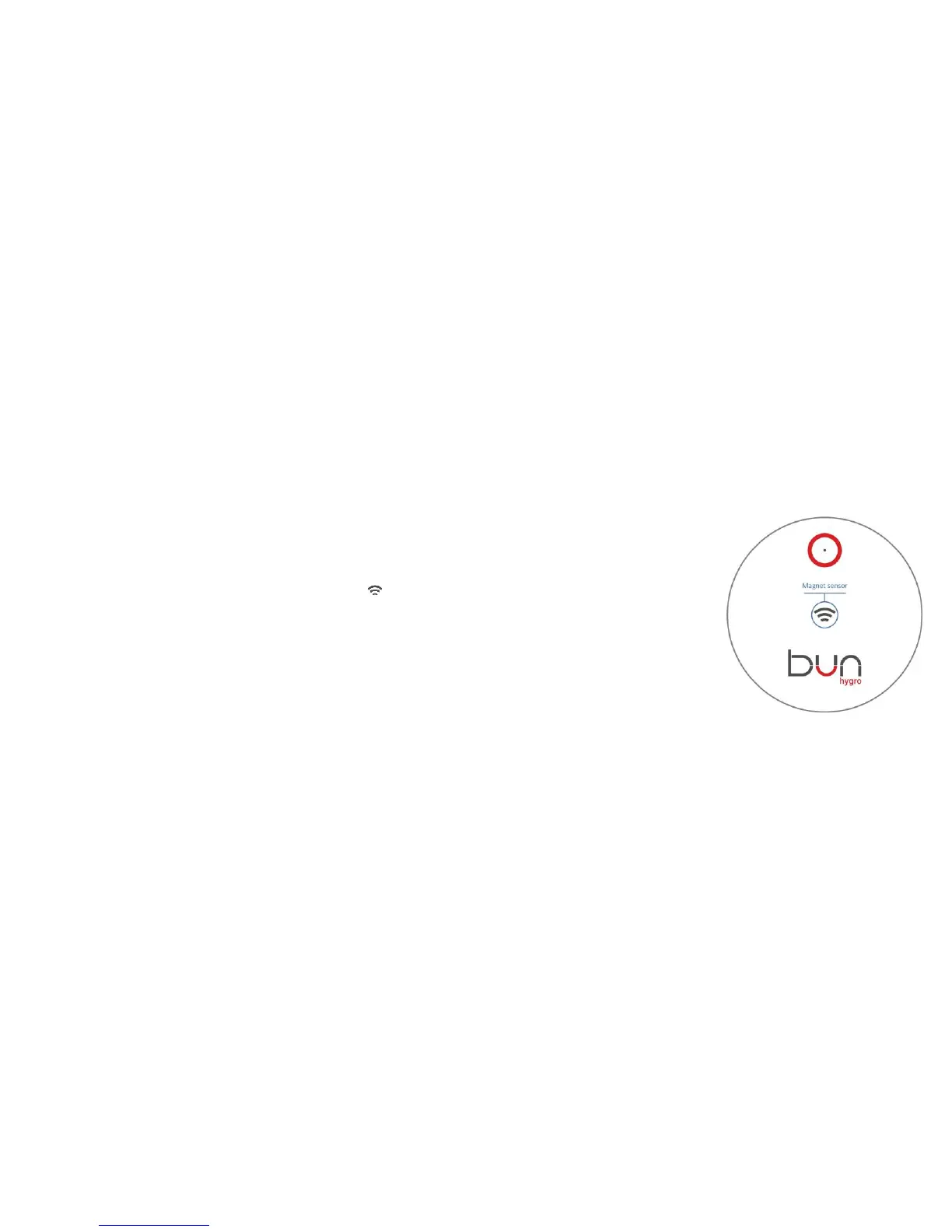
• Place a magnet on the center of your device (marked with icon) and wait for 3 seconds (figure 3). As soon as device detects the
magnet “bun hygro” will beep once. Keep the magnet in position until you hear a long continues beep.
• Hearing the long beep means that “bun hygro” is in “setup” mode. Use your smart phone, computer, tablet, etc to search for open Wi-Fi
network named (SSID) "bun hygro" (no password required).
• Connect to “bun hygro”, open a browser and key in 192.168.4.1 in address bar. A blue page will appear with your devices serial and
DUID numbers (figure 4).


 To Next Page
 Loading...