14
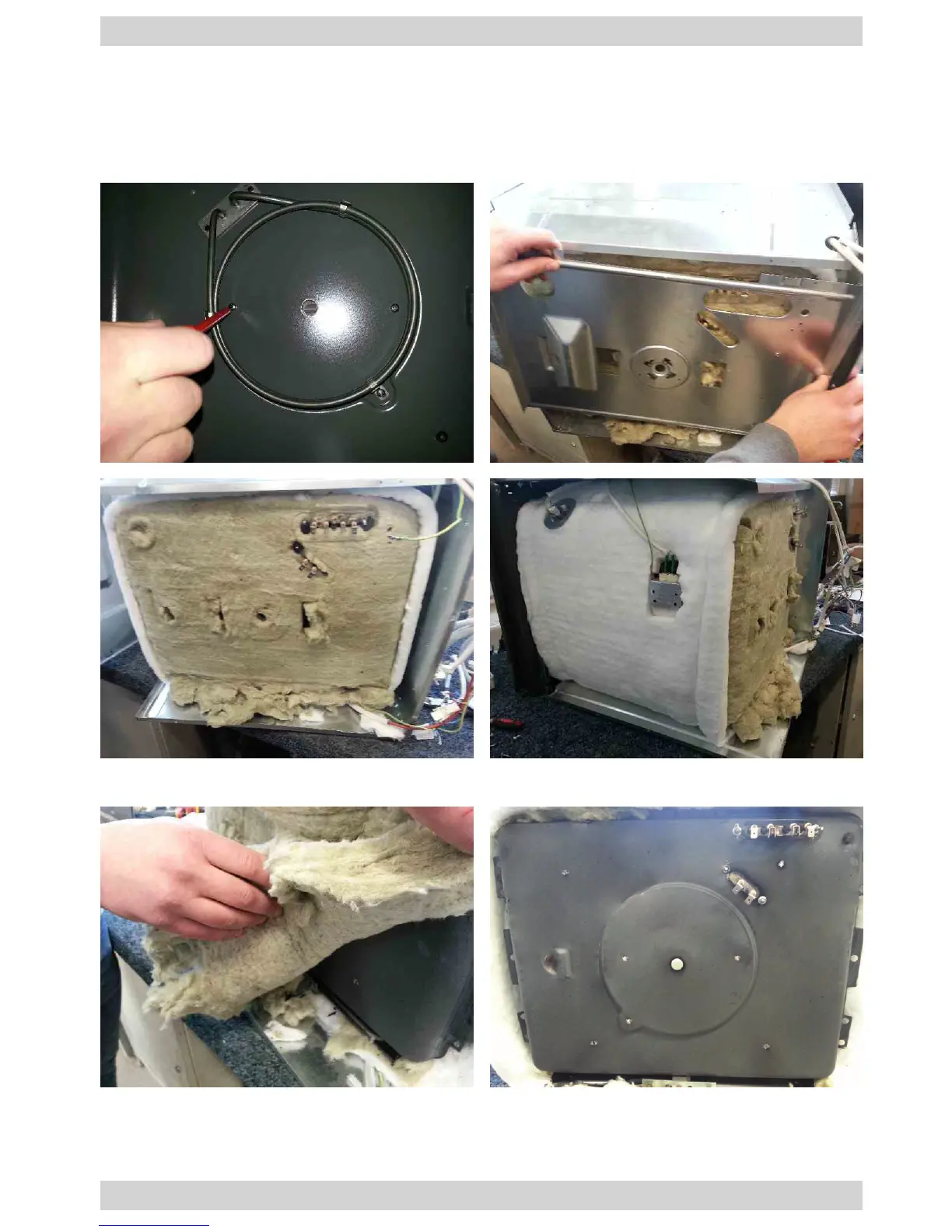
Oven chamber insulation
1. Remove the top cover, side walls, bottom cover and fan guard according to rel-
evant instructions in the manual. Remove the rear insulation cover (previously
disconnecting all wire harnesses) by removing the two screws.
Replace the oven insulation
3. To reassemble the components follow the above steps in reverse order.
2. Replace the oven insulation



 To Next Page