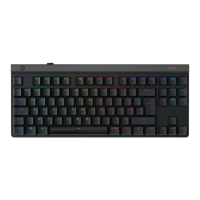
4 English
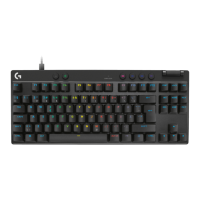
1. FN + F5 key: Change the lighting eect.
There are 7 onboard eects:
1. Color wave (left to right)
2. Color wave (right to left)
3. Color wave (center out)
4. Breathing
5. Color cycling
6. Ripple
7. Solid Cyan color
2. FN+F6: Load the customized lighting prole
saved in Logitech G HUB. The default
lighting prole is colorwave eect.
3. FN+F7: Adjust brightness. Toggles between
5 levels - 0%/O, 25%, 50%, 75%,
100%/Max.
4. FN+F8: Toggle Game mode. By default,
Game mode disables the Windows key.
Advanced settings are available within
Logitech G HUB.
KEYBOARD FEATURES - LIGHTING FUNCTIONS
To increase or decrease the speed of the onboard lighting eect use + or - located below the F1-F12
row while pressing the FN key.


 To Next Page