4 English
Logitech QuickCam
Install the software rst
Install the software
before
plugging in the camera. Many of your camera’s
extended features will not operate properly without the complete software
installation.
Insert the installation CD into your CD-ROM/
DVD-ROM drive. Your CD should start automatically.
If it does not, follow the steps below:
Double-click the 1. My computer icon.
Alternatively, click start My computer.
Right-click the 2. CD-ROM/DVD-ROM drive icon,
and then click Autoplay.
Camera setup
During the Camera Setup step of the installation
process, you will be prompted to connect
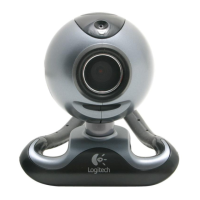
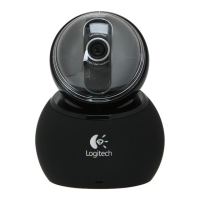
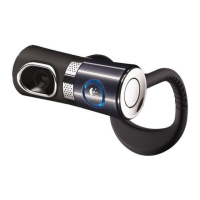
the camera to a USB port on your computer.
Important Do NOT connect the camera until
you are prompted to do so.





 To Next Page