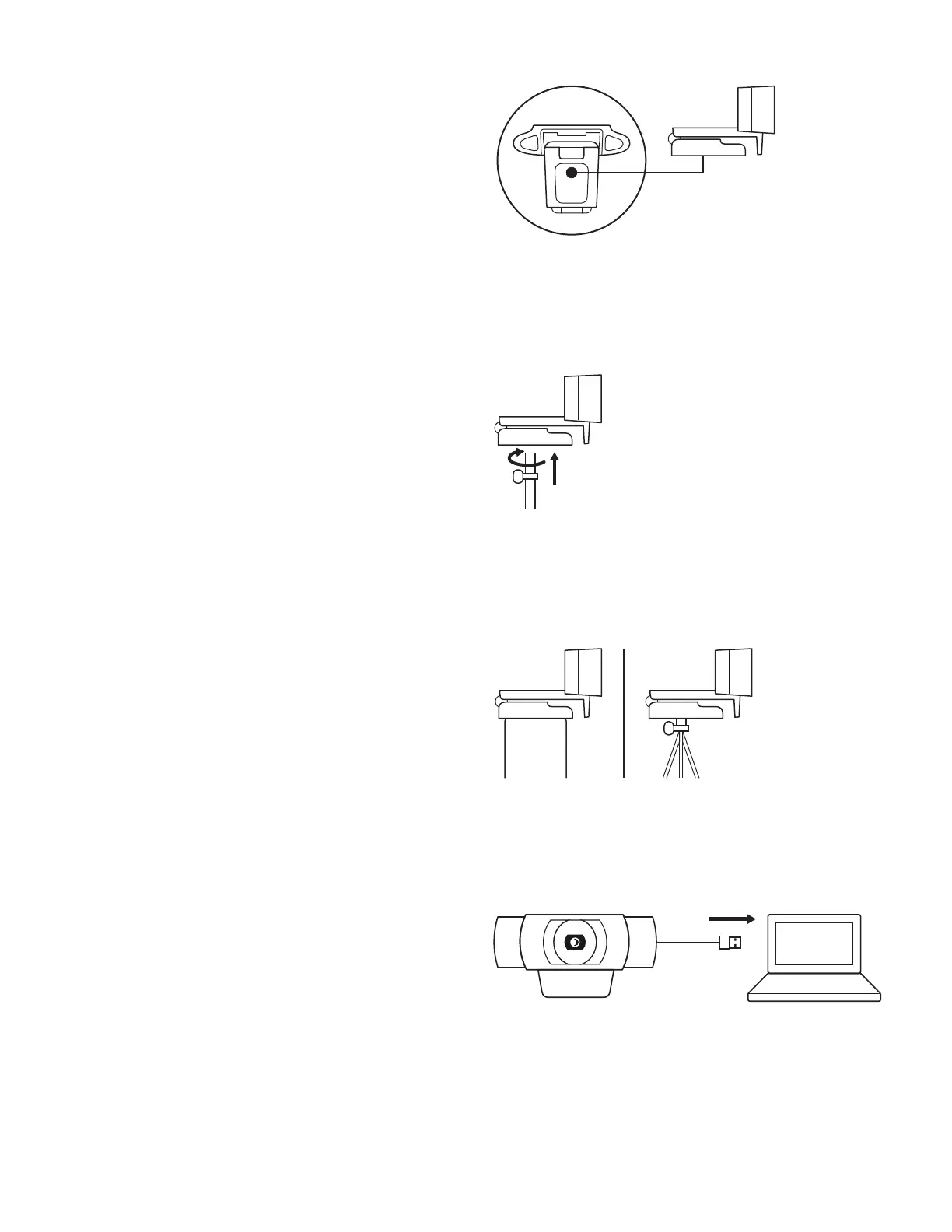
For placement on a tripod*
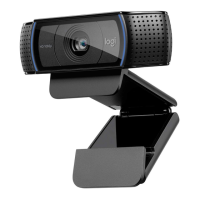
1 Locate the ¼ inch tripod thread on the bottom ofthe
universal mounting clip.
2 Secure the webcam on your tripod by twisting it
intothe ¼ inch thread.
3 Place your webcam with the tripod anywhere
youdesire to the best position to frame yourself.
* Tripod not included
CONNECTING THE WEBCAM VIA USBA
Plug the USB-A connector into the USB-A port
onyourcomputer.
5 English







 To Next Page