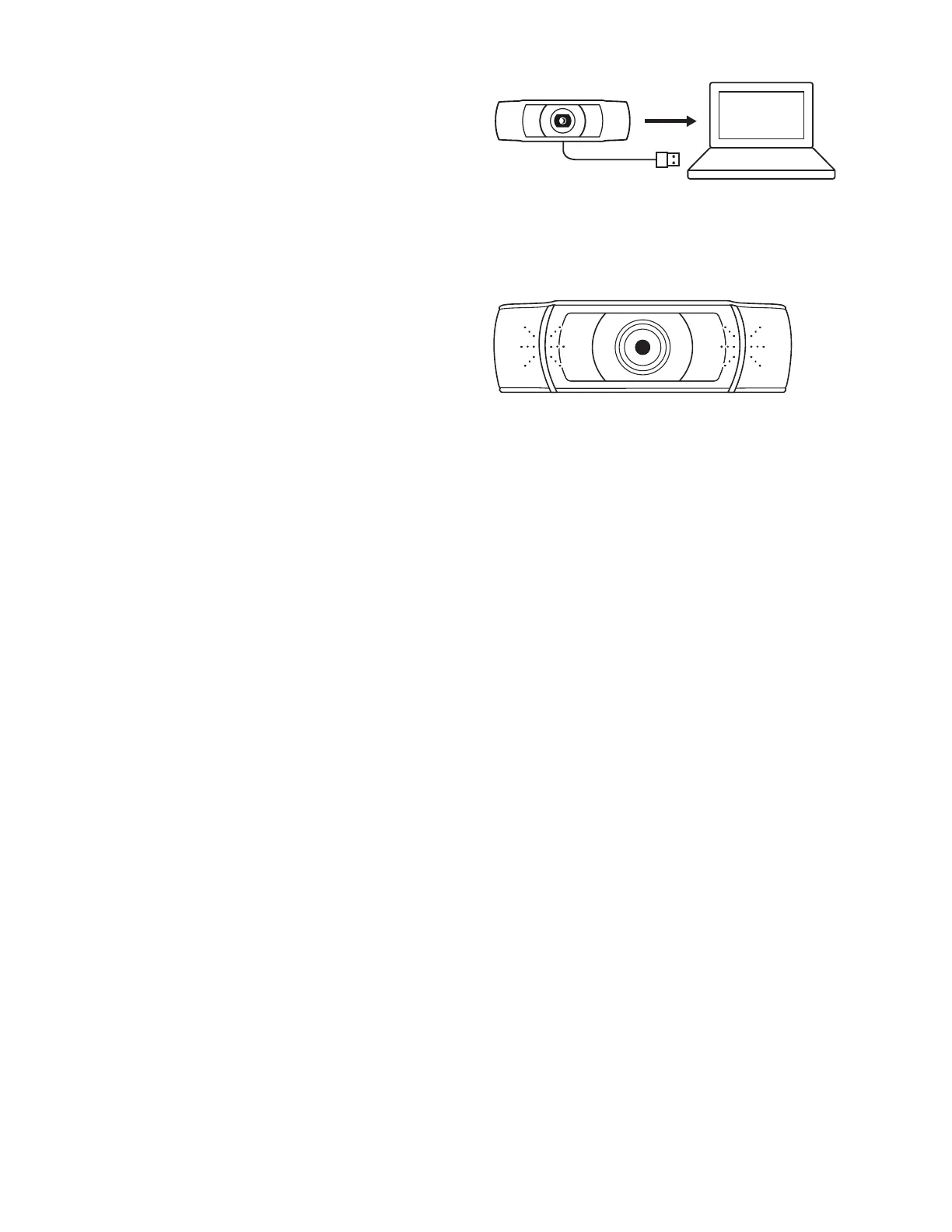
CONNECTING THE WEBCAM VIA USB-A
Plug the USB-A connector into the USB-A port
onyourcomputer.
SUCCESSFUL CONNECTION
LED activity light will light up when the webcam
isinuseby an application.
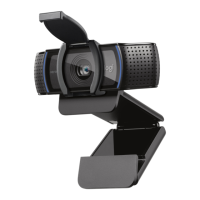
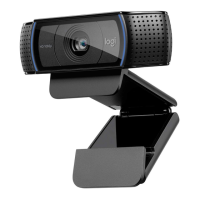
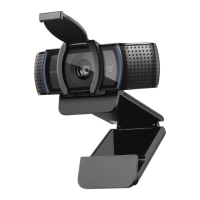
INCLUDING FIXED MOUNTING CLIP:
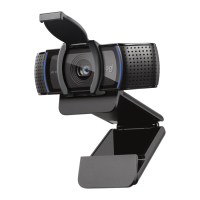
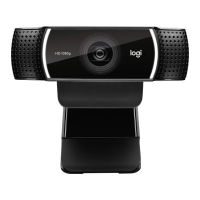
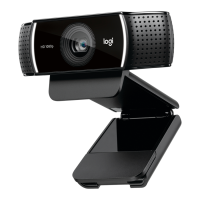
Height x Width x Depth:
1.73 in (44 mm) x 3.74 in (95 mm) x 2.80 in (71 mm)
Cable Length: 5 ft (1.5 m)
Weight: 5.71 oz (162 g)
DIMENSIONS
www.logitech.com/support/C922
© 2020 Logitech, Logi and the Logitech Logo are trademarks or registered trademarks of Logitech
Europe S.A. and/or its aliates in the U.S. and other countries. Logitech assumes noresponsibility
for any errors that may appear in thismanual. Information contained herein issubject to change
without notice.





 To Next Page