5 ENGLISH
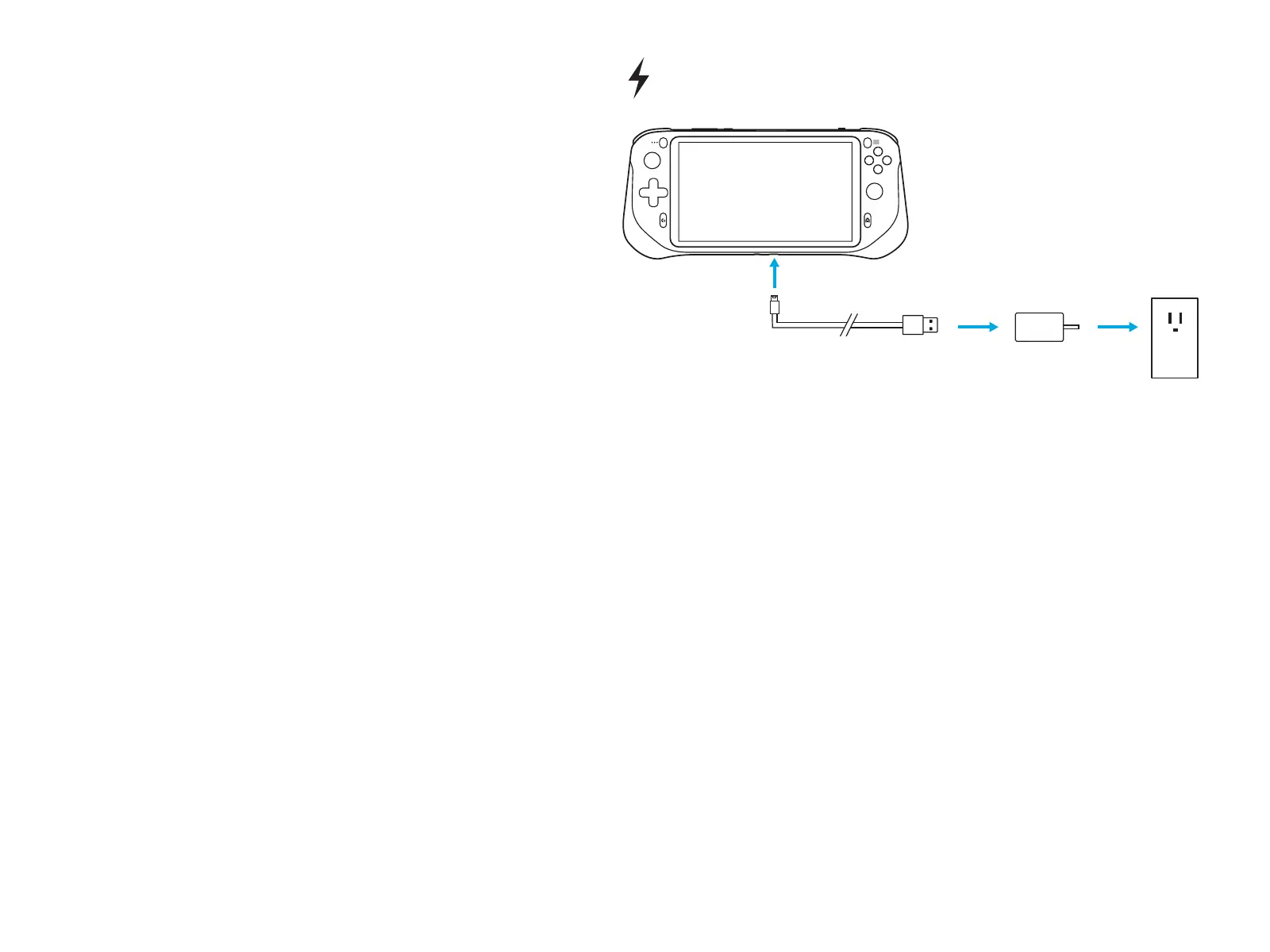
– Charging:
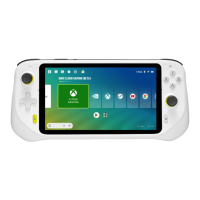
Connect the USB cable Type-C end
intotheUSB Type-C port on the bottom
of the device, connect the USB cable
Type-A end to the power adapter,
andthenconnect the power adapter
intothe socket to charge the device.
A
Y
X B
QUESTIONS?
logitechG.com/support/cloud
USB


 To Next Page