
 Need help?
Do you have a question about the Logitech Cordless Optical Mouse and is the answer not in the manual?
Turn OFF the computer before proceeding with setup steps.
Install AA alkaline batteries into the mouse.
Plug the receiver cable into the computer, using appropriate connectors for PC or Macintosh.
Press connect buttons on receiver and mouse to establish communication, and re-establish after battery changes.
Download software from the Logitech website to enjoy all product features.
Tips for resolving setup issues including cable connection, receiver placement, and battery installation.
Provides the Logitech support website URL for assistance and downloads.
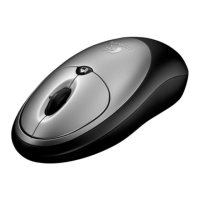
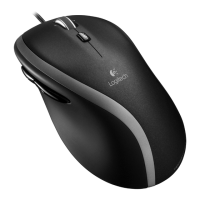
Identifies the scroll wheel and mouse buttons.
Provides information on preventing physical discomfort and injury from repetitive motions.
Contains warnings regarding battery handling, radiation exposure, and product compliance.
Details the product's limited warranty period and FCC compliance.


 To Next Page
 General