9 English
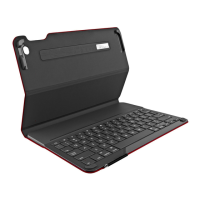
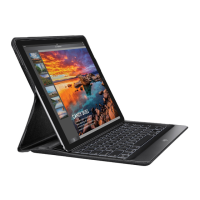
Logi CREATE - Backlit Keyboard Case with Smart Connector - for iPad Pro
Visit Product Support
There’s more information and support
online for your product. Take a moment
tovisit Product Support to learn more
about your new keyboard case.
Browse online articles for setup help,
usagetips, and information about
additional features.
Connect with other users in our Community
Forums to get advice, ask questions,
andshare solutions.
At Product Support, you’ll nd a wide
selection of content including:
•
Tutorials
•
Troubleshooting
•
Support community
•
Online documentation
•
Warranty information
•
Spare parts (when available)
Go to:
www.logitech.com/support/
create-backlit-keyboard-case
Troubleshooting
The keyboard does not work
•
Press any key to wake the keyboard
fromsleep mode.
•
Make sure that the three connection
points on the iPadPro align with the
Smart Connector on the keyboard case.




 To Next Page