15 ENGLISH
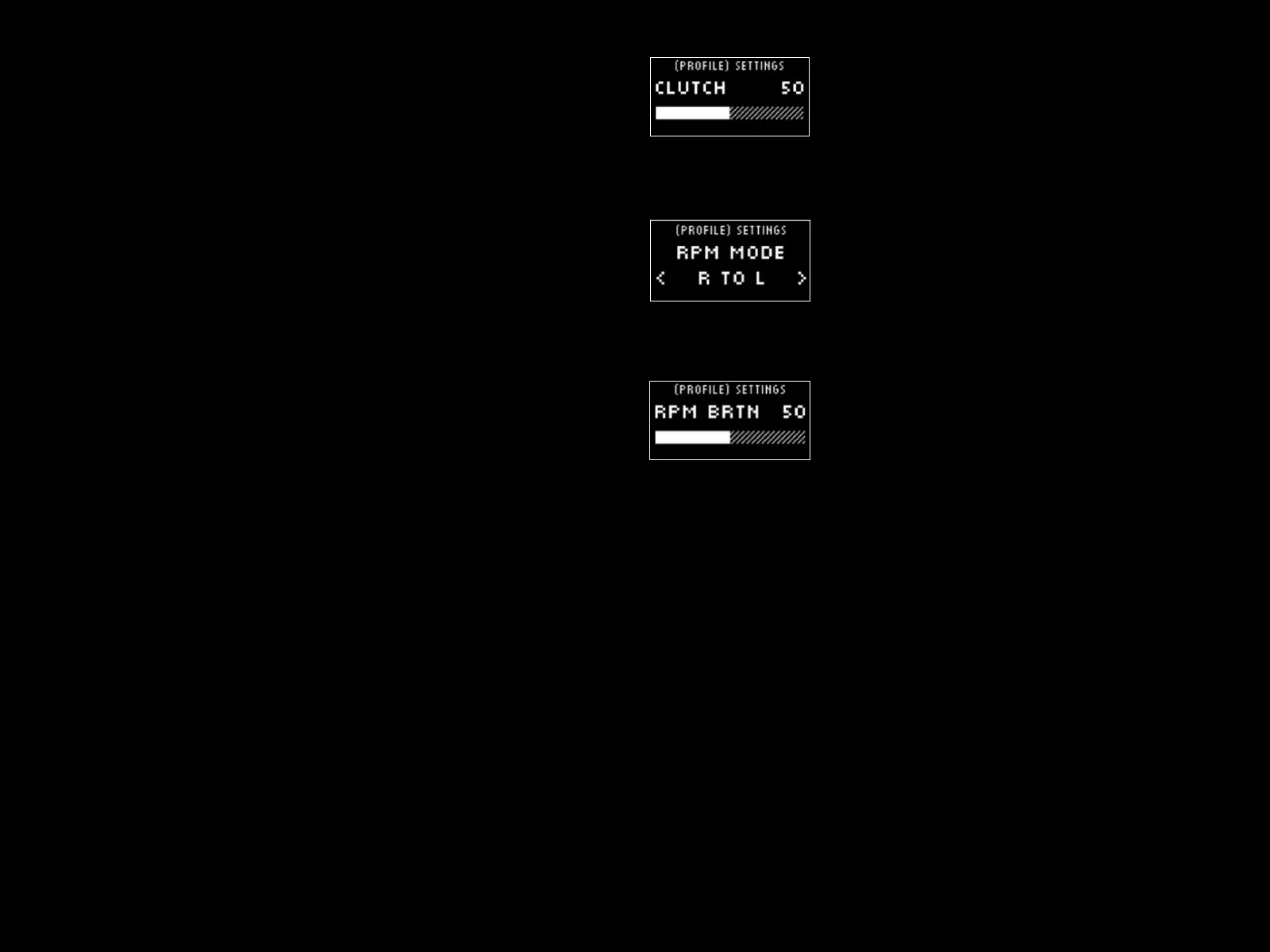
Clutch Bite
Use this setting to tune the Dual Clutch paddles axis value to
thegame/car you are using and achieve perfect standing starts.
Seethe next section of the manual for more details.
RPM Mode
The RPM LEDs have several preset patterns from which you can choose.
In addition, you can create your own custom patterns with G HUB
andsave them to the onboard memory of the wheel.
RPM Brightness
Adjusts the overall level of brightness of the RPM LEDs.
Home Screen
You can use the options here to change what is shown on the Settings
display when not adjusting the settings of the wheel or pedals.
TheSettings display on your PRO Wheel has four modes of display
1 Dynamic
2 Test
3 Prole
4 Torque





 To Next Page