21 ENGLISH
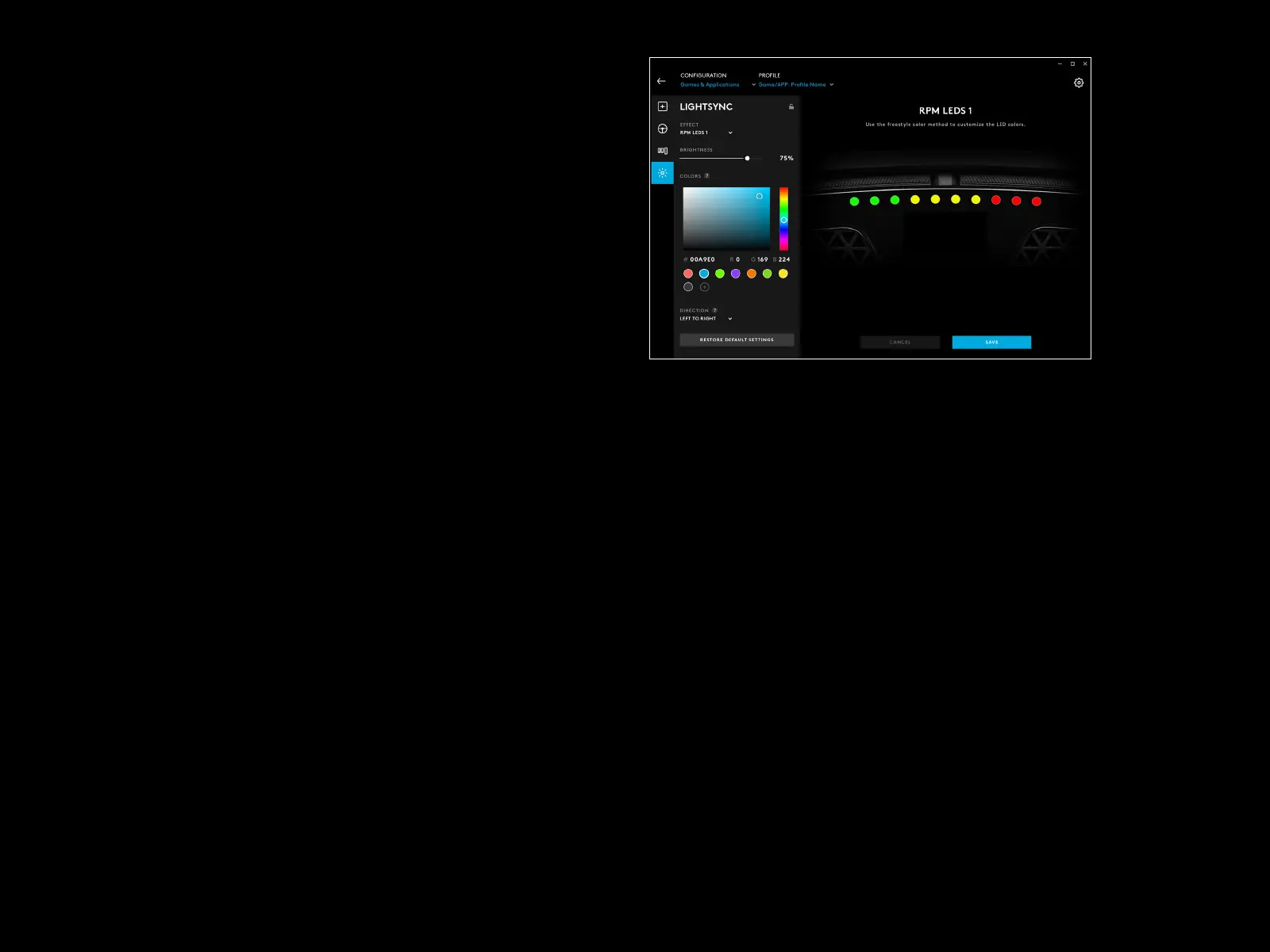
On the le, you can see the color picker. In the main color section
theshade of the colour changes from le to right and the brightness
of the color changes from top to bottom of the rectangle.
You can save a color by clicking the circle with the + sign in it below
therectangle. To assign a color to one of the LEDs, just select the color
and then click on the LED in the image on the right (the mouse icon will
change to a paint bucket to show you that you can “paint” that colour
on the LED).
Below that is a drop down menu containing the preset patterns
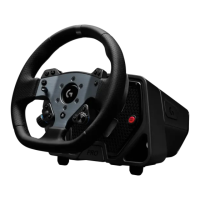
thatthe PRO Racing Wheel already ships with - just choose the one
that you prefer.
To nish, rename the pattern by selecting the RPM LEDs text at
thetop, typing your own name and then click Save at the bottom.






 To Next Page