23 ENGLISH
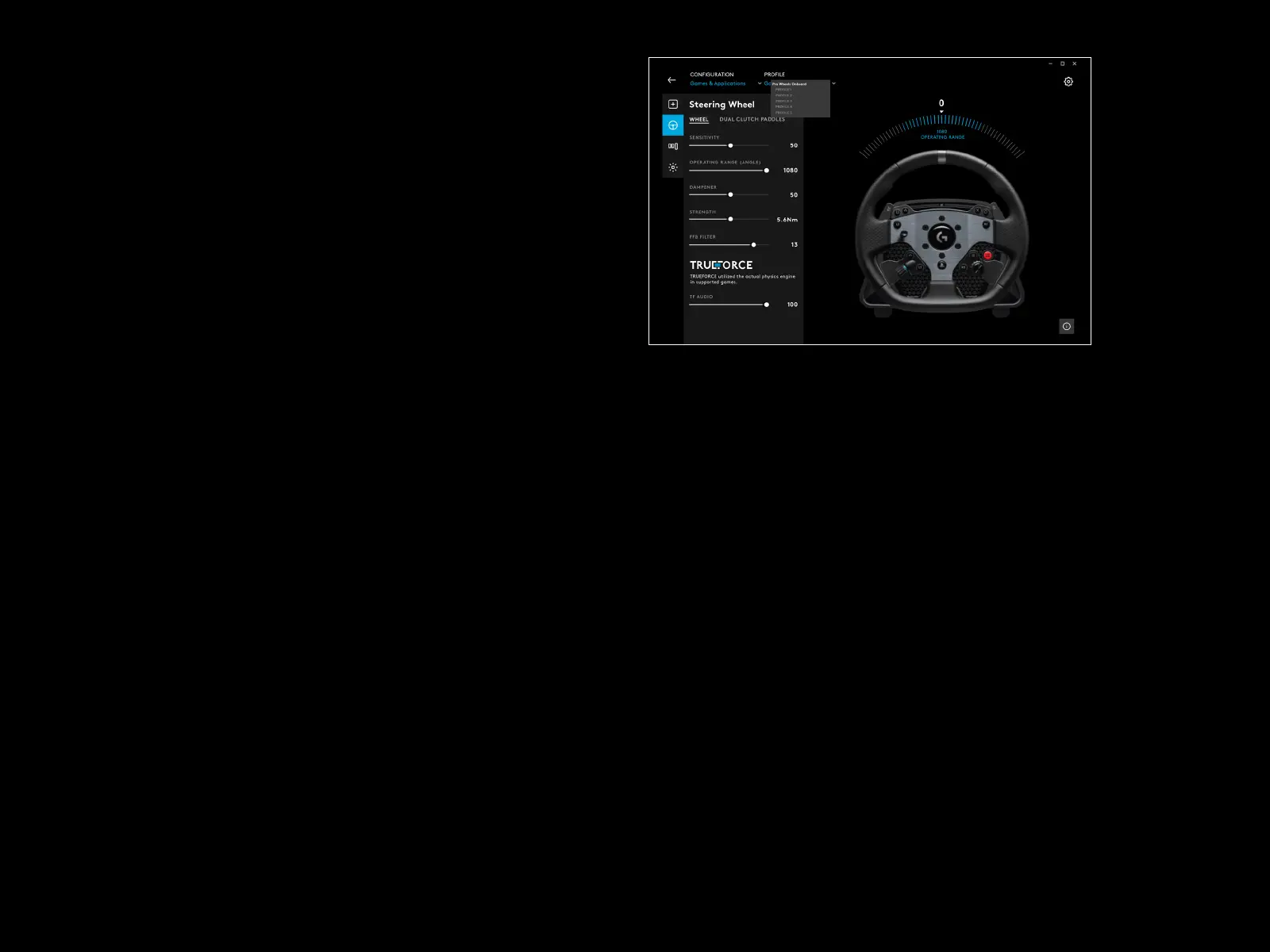
With Games & Applications selected in the Conguration menu,
thedrop-down menu for Prole will contain all of the proles
thatarepresent in G HUB, those included as part of G HUB updates
or custom proles that you have created yourself and linked to
aprogram’s .exe le.
With Onboard Memory selected in Conguration, the Prole drop-
down menu will contain just the 5 onboard memory slots:
Any changes you make to the settings here in G HUB will be
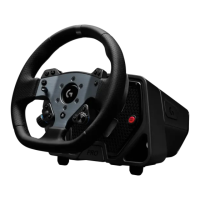
automatically saved in the memory of the PRO Wheel for that
chosenprole. You can also choose to edit the name of the prole.
When you have selected a prole, click the edit icon next to Prole
atthe top of the screen.You may then type the name of the
prole that you wish to change it to and this will then be saved to
thePROWheel. This will persist in the memory so that if you then use
the PRO Wheel on a console, that prole name will still be present.
NOTE:
It is not possible to make changes to the settings on the PRO Wheel
using G HUB if the settings menu on the wheel is open. G HUB will
present an error message asking you to close the settings menu on
thewheel if it detects that the settings menu has been accessed.





 To Next Page