8 ENGLISH
KEYBOARD FEATURES - MEDIA CONTROLS
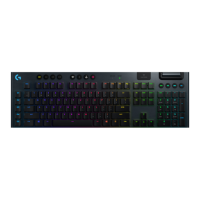
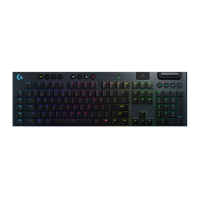
G915 X LS has media controls, located in the upper right
corner of the keyboard.
• Volume roller — controls volume of the active audio
on your PC.
• Skip back — goes to the beginning of a track,
ortoaprevious track, depending on the application.
• Play/Pause — starts or stops the audio or video
source playback.
• Skip forward — goes to the end of the track
ortothenext track, depending on the application.
• Mute — stops audio output.
G6 G7 G8 G9
FN





 To Next Page