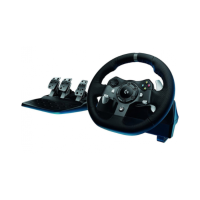
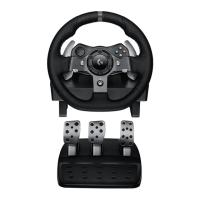
G920 Driving Force Racing Wheel FAQs 19
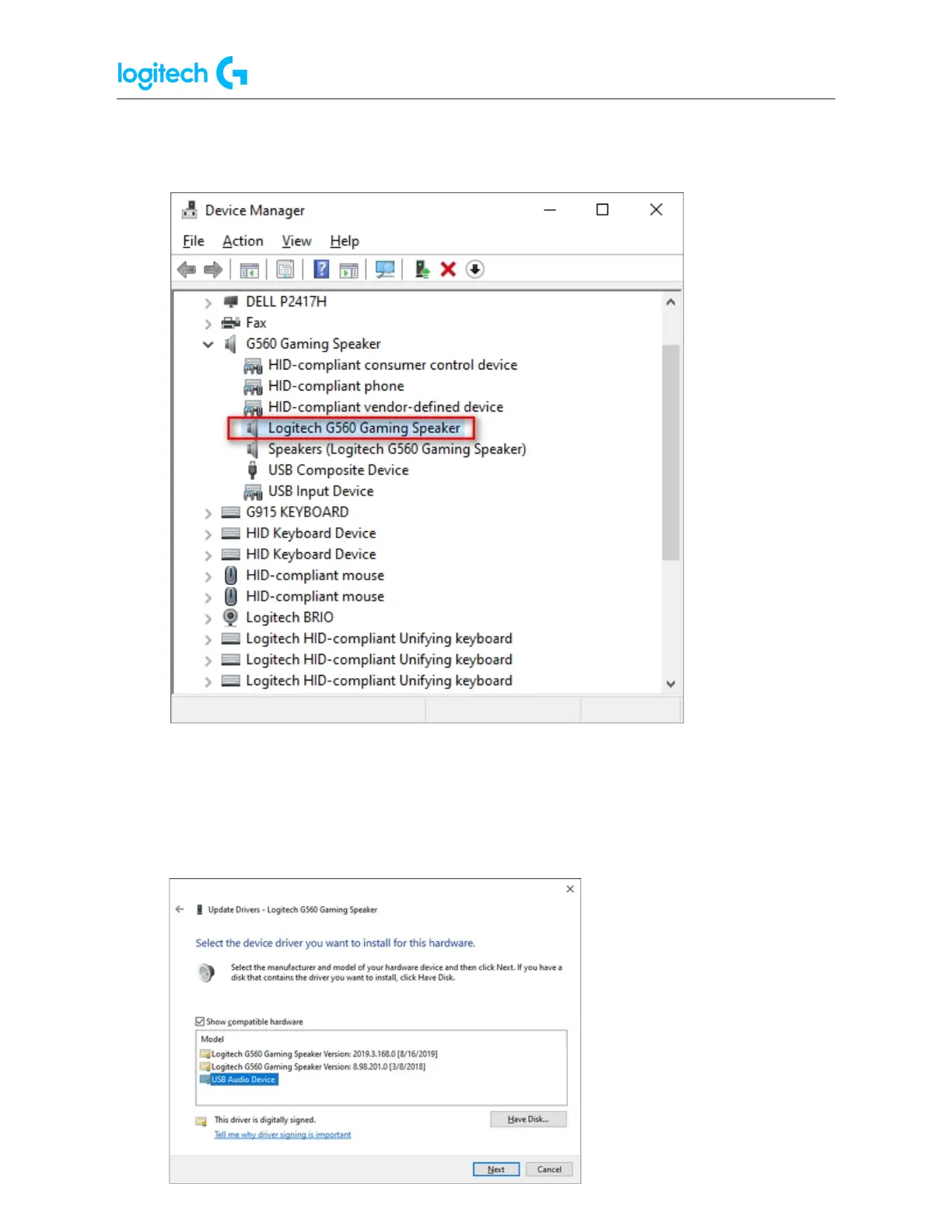
3. Look for your headset/speaker and expand it. You are looking for the named device,
for example, Logitech G560 Gaming Speaker or Logitech Pro X Gaming Headset.
4. Right-click and click Properties and then select the Driver tab.
The Driver Provider should be Logitech — if it’s Microsoft you don't need to change the
driver.
5. If the driver is Logitech, click Update Driver and then Browse my computer for driver
software > Let me pick from a list > choose USB Audio Device.





 To Next Page