Need help?
Do you have a question about the Logitech M331 and is the answer not in the manual?
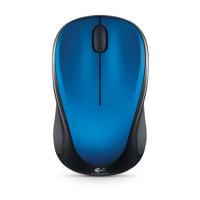
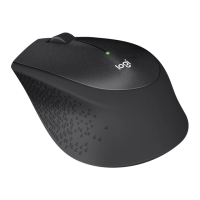
Primary buttons for clicking and selecting actions on the mouse.
Navigational wheel for scrolling and middle-click functionality.
Indicator light showing battery status (low or power on).
Control to turn the mouse on/off and manage sleep mode.
Mechanism to open the battery compartment for replacement.
Troubleshooting steps for when the mouse is unresponsive or not functioning.
Primary buttons for clicking and selecting actions on the mouse.
Navigational wheel for scrolling and middle-click functionality.
Indicator light showing battery status (low or power on).
Control to turn the mouse on/off and manage sleep mode.
Mechanism to open the battery compartment for replacement.
Troubleshooting steps for when the mouse is unresponsive or not functioning.

 To Next Page
 General