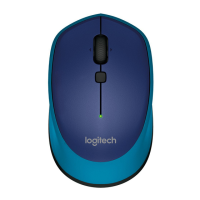
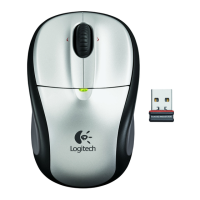
Logitech® Wireless Mouse M345
4
3
English
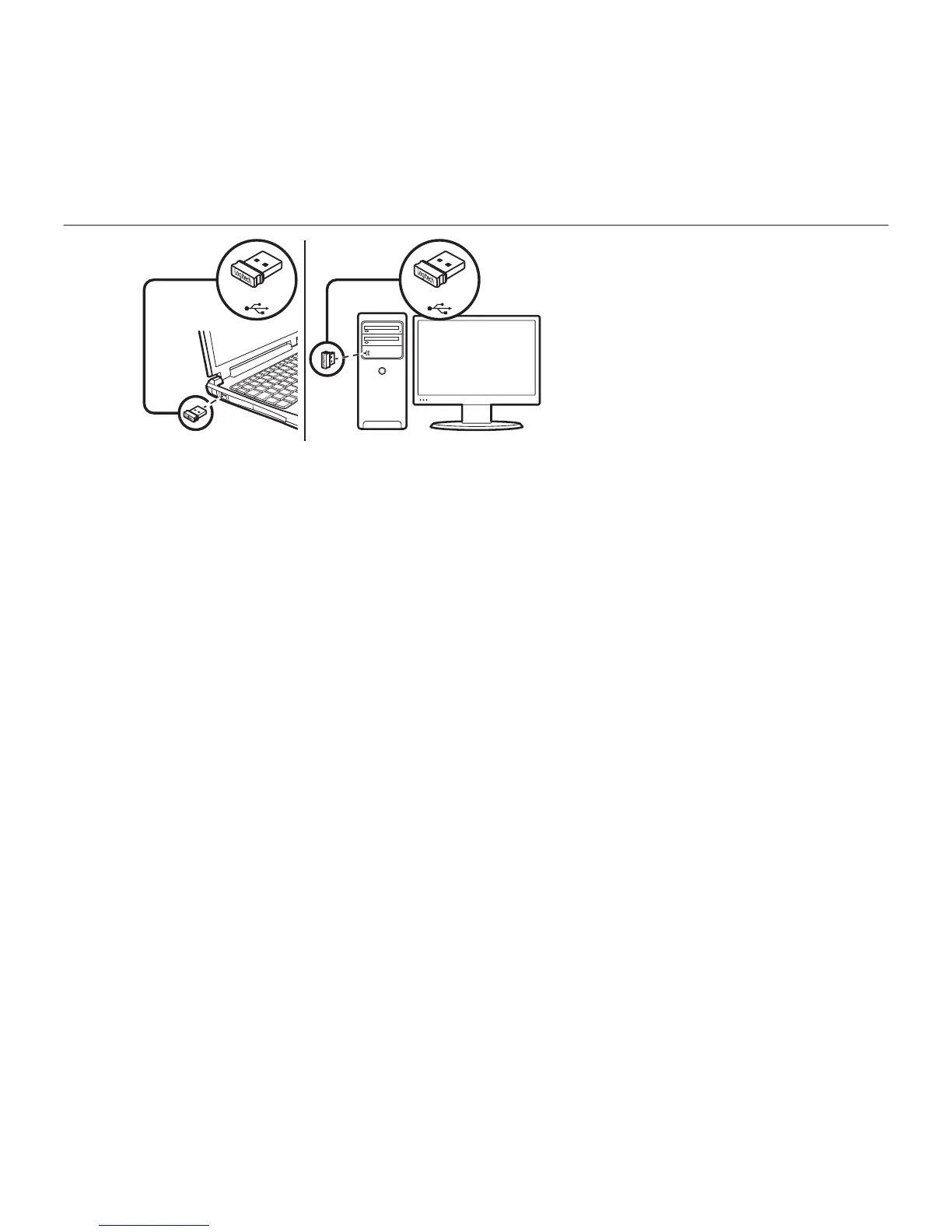
Mac® OS X Users: When plugging
in the Unifying receiver, the
Keyboard Assistant window may
appear. Please close this window.
Advanced features: Software
is optional for this mouse!
Download the free mouse
software for Windows® only
(Logitech® SetPoint® for
Windows®) at www.logitech.
com/downloads to enable side-
to-side scrolling and middle
button features.
Deutsch
Mac® OS X-Benutzer: Beim
Einstecken des Unifying-
Empfängers wird möglicherweise
das Fenster des Setup-
Assistenten für die Tastatur
angezeigt. Schließen Sie
dieses Fenster.
Erweiterte Funktionen: Für
diese Maus ist optionale
Software verfügbar! Laden Sie
die kostenlose Maus-Software
nur für Windows® (Logitech®
SetPoint® für Windows®) unter
www.logitech/downloads
herunter, um den horizontalen
Bildlauf und die Funktionen der
mittleren Taste zu aktivieren.
Français
Utilisateurs Mac® OS X: lorsque
vous branchez le récepteur
Unifying, la boîte de dialogue de
l‘assistant de configuration du
clavier peut s‘acher. Veuillez
fermer cette fenêtre.
Fonctions avancées: le logiciel
de cette souris est disponible
en option. Téléchargez-le
gratuitement pour Windows®
uniquement (Logitech® SetPoint®
pour Windows®) sur le site
www.logitech.com/downloads
pour activer l’utilisation du
défilement horizontal et du
bouton central.
Italiano
Utenti Mac® OS X: se viene
visualizzata la finestra
dell‘assistente di installazione
per la tastiera quando si inserisce
il ricevitore Unifying, chiudere la
finestra.
Funzioni avanzate: per
questo mouse il software
è facoltativo. È possibile
scaricarlo gratuitamente
(Logitech® SetPoint® for
Windows®, solo per Windows®)
all‘indirizzo www.logitech.com/
downloads per attivare lo
scorrimento laterale e le funzioni
del pulsante centrale.
Español
Usuarios de Mac® OS X: al
conectar el receptor Unifying, es
posible que aparezca la ventana
del asistente para el teclado.
Debe cerrarla.
Funciones avanzadas: El
software es opcional para este
ratón. Descargue el software
de ratón gratuito sólo para
Windows® (Logitech® SetPoint®
para Windows®) desde
www.logitech.com/downloads
para activar las funciones
de desplazamiento horizontal y
de botón central.
USB USB



 To Next Page